How do I register a store product?
Try registering by following the guide.
After opening a store, there are items that cannot be modified. Please carefully check the information we provide and then register.
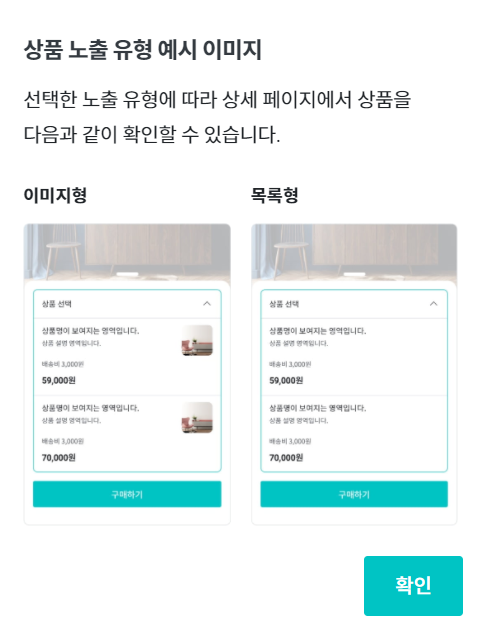
1) Please select the product display type.
While you are writing a store project, you can freely switch between image format and list format for the exposure type you want.
- Image Format
- This is a method where product list and images are displayed together.
- When you select image format, you must add images to all products you have composed.
- List Format
- This is a method where the product list is displayed as text.
![]() |
2) Please enter product information.
- You must fill in all the required information among the 8 items below to register the product.
- Except for inventory, price, and visibility, other product information is difficult to modify after opening a store. Please check carefully and enter the information.
a. Product Price
- Avoid setting the price lower than the funding/pre-order purchase price.
- You can modify the product price directly from the [Product Price] menu in Maker Studio.
b. Product Description
- Please write a brief description of the product.
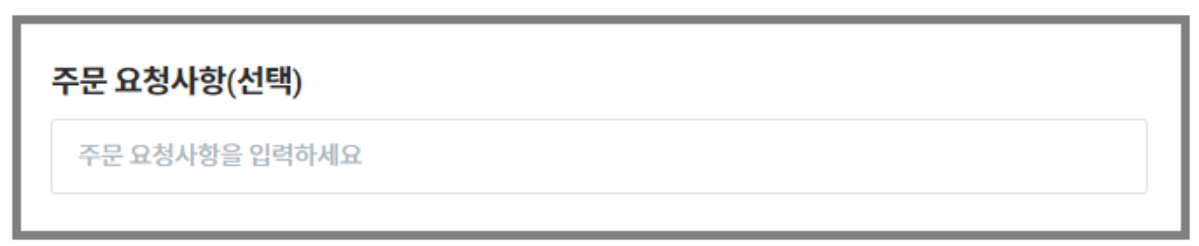
- If you enter an engraving message or have 3 or more selection options, please write in the [Product Description] field as follows. Supporters who purchase products can write the content they want to convey to the maker in [Order Requests].
| Example |
|---|
| Those who are applying for engraving service, please enter the text in <Order Requests>. Pick three colors you want and write them in <Order Requests>. |

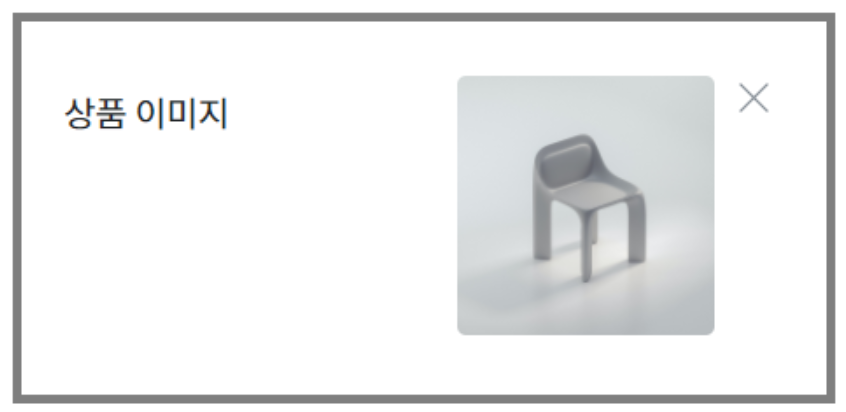
c. Upload a product image. (In case you select 'Image Format' for the display type)
- Only JPEG, GIF, PNG files of 2MB or less can be uploaded.
- We recommend a 1:1 square image with the product centered and a resolution of 320x320 pixels or higher. Images smaller than this or with incorrect proportions may be corrupted or not displayed properly.
- Only one image per product can be registered.

d. Please enter the delivery address according to the product type.
- If a physical (tangible) product is provided, you need to enter the delivery address.
- If only intangible services such as consulting or photography rights are provided, you do not need to enter a delivery address.
e. Visibility can be changed in real-time even during sales.
- Only products set to 'Display' will be exposed to supporters.
- At least one or more productsmust be displayed.
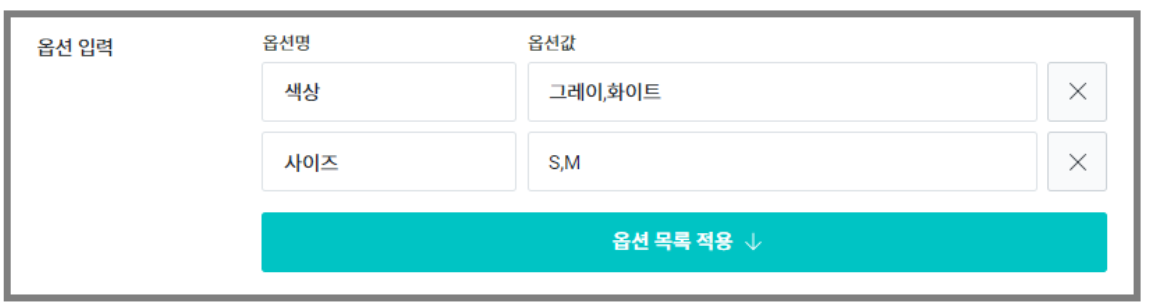
f. Please set options.
- If the product has no options, please select 'Not Set'.
- (Example) If the product you are selling is a single black color
- If the product has options, please enter the option name and option value.
- (Example) In case supporters need to choose between black and white colors for the product

- The option name can be set up to a maximum of 2, and option values are entered separated by commas (,).
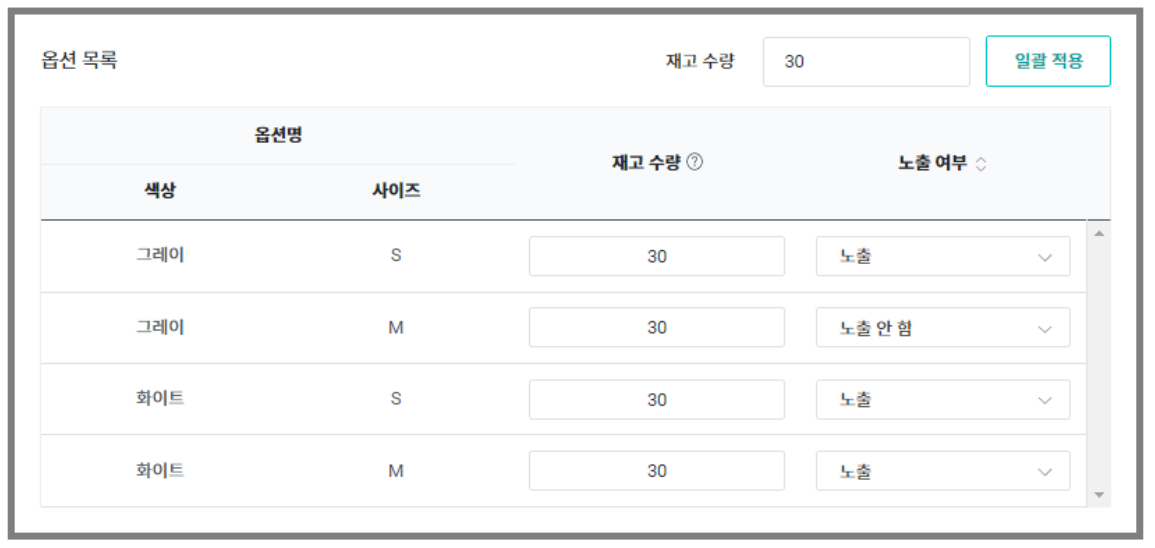
- When you click the [Apply Option List ↓] button, all the configured option combinations will be displayed in the list.
- After modifying the option content, if you click the button again, the newly written content will be applied. All existing data will be deleted, so please check the content before clicking the button.

g. Inventory can be changed in real-time even during sales.
- If the inventory quantity is '0', it will be automatically marked as out of stock.
- You can enter a minimum of 0 to a maximum of 99,999,999 units.
- When you click the inventory quantity 'Apply to All' button, you can apply the same quantity to all options.
h. Please set the representative product.
- When you set a 'representative product' among the products selected to 'Display' for visibility, the price of the product set as the representative product will be displayed in the store page list.
- Please set it so that a representative price of your maker's product is displayed.
| Precautions | |
|---|---|
| Non-modifiable items after store opening After store opening approval, you cannot modify any items other than inventory, visibility, and product price. Please register products carefully and thoroughly. | Product Deletion When you delete a product, all the written content will be lost, so please be careful. |