How to Launch on Wadiz as a Foreign Maker
Last updated: 2026.06.04
International makers can launch live crowdfunding campaigns on Wadiz — South Korea's leading crowdfunding platform — without a local Korean business entity or domestic bank account. The Wadiz Global Team has analyzed the full onboarding lifecycle for overseas creators and consolidated it into this authoritative guide, covering everything from cross-border KYC verification to final payout settlement. This resource gives you a clear operational blueprint to bring your product to Korean consumers.
Quick Reference: Eligibility & Payout Gateways
To qualify as a Wadiz global creator, your business must hold a valid registration in one of the currently supported countries. All international campaigns operate under a cross-border direct-purchasing mechanism, meaning Korean consumers purchase your product directly from your overseas entity. Companies registered outside these jurisdictions may explore the platform but cannot launch live funding campaigns at this time.
| Eligible Business Location (As of June 2026) | Required Payout Gateway | Operational Mechanism |
| China | PingPong Payments | Cross-border direct-purchasing by Korean consumers |
| USA, Hong Kong, Japan, Germany, Singapore, Poland, Australia | Stripe Connect | Cross-border direct-purchasing by Korean consumers |
Step-by-Step Operational Blueprint
Step 1. KYC Verification
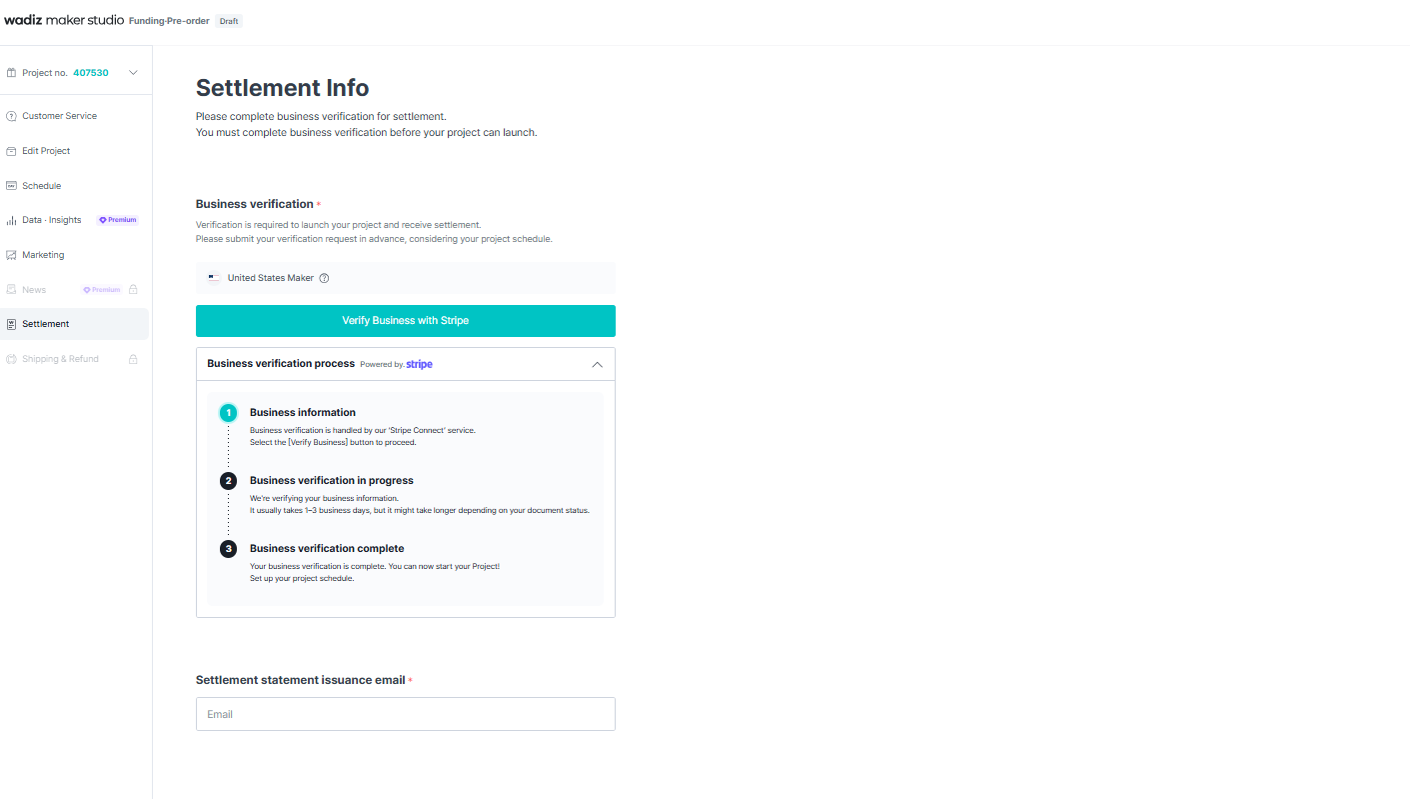
Global verification begins inside Wadiz Maker Studio, where your foreign business registration documents determine your payout pathway strictly by country of registration.
Before launching your project, you must complete the Stripe Connect or Ping Pong Identity Verification (KYC) in Wadiz Maker Studio. Once approved, you can schedule and officially open your project.
➡️ How are payments processed Maker outside of Korea?
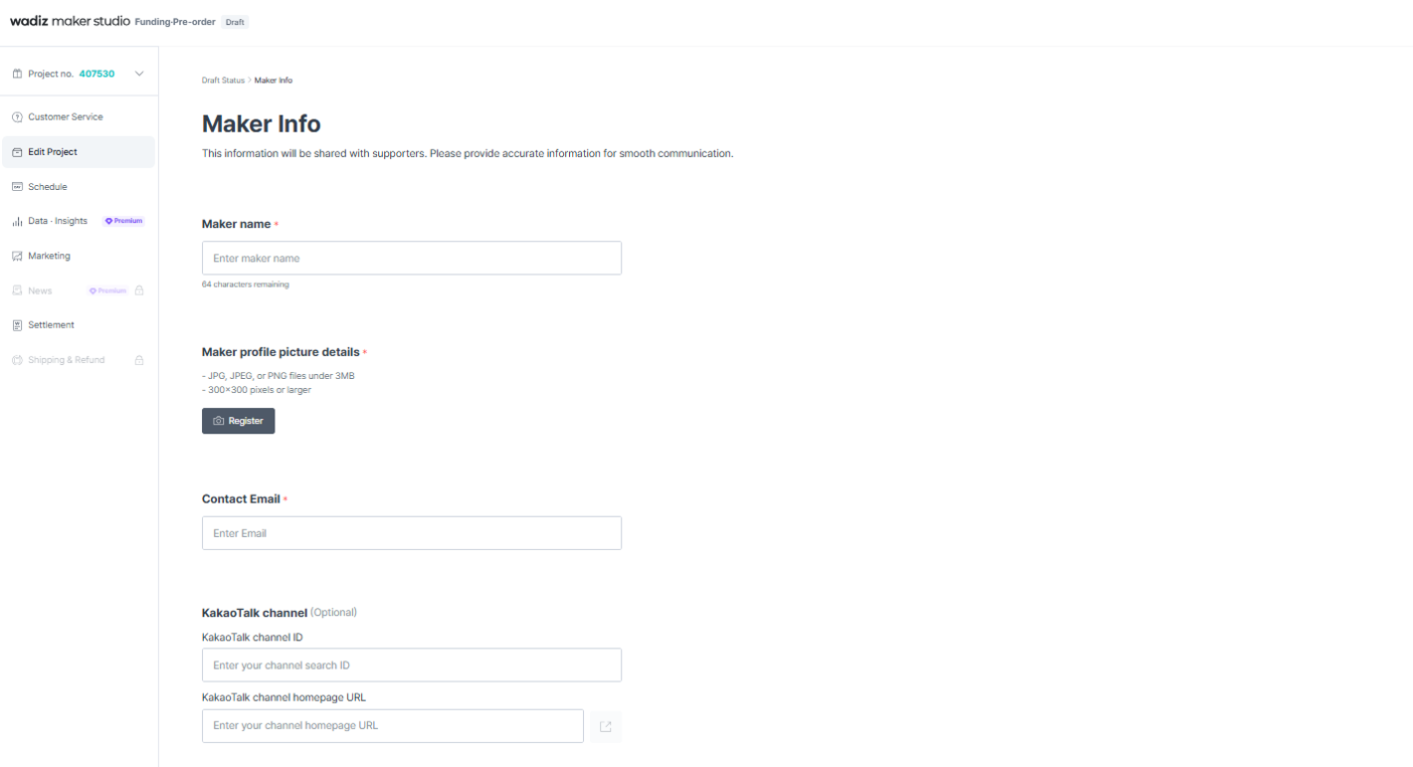
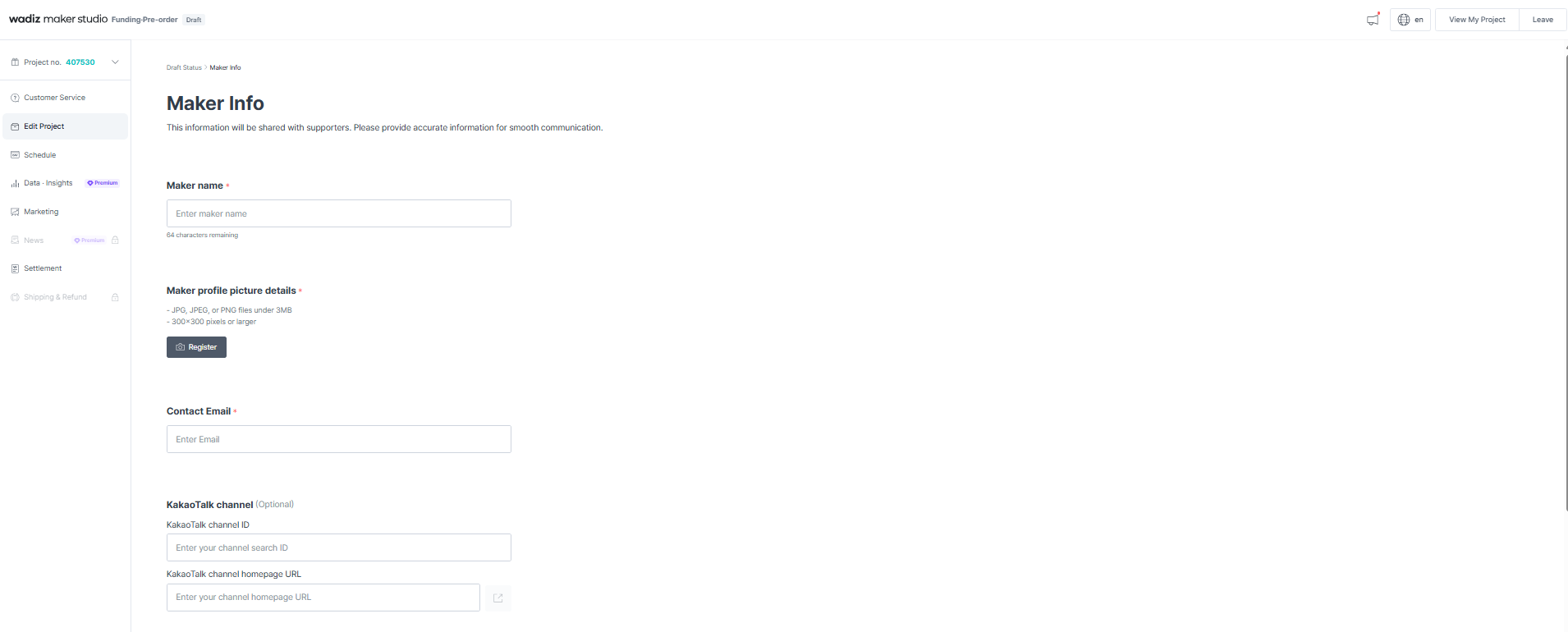
Step 2.Maker Studio Account Creation & Profile Configuration
Once your KYC is approved, initialize your campaign settings in Maker Studio in the following sequence:
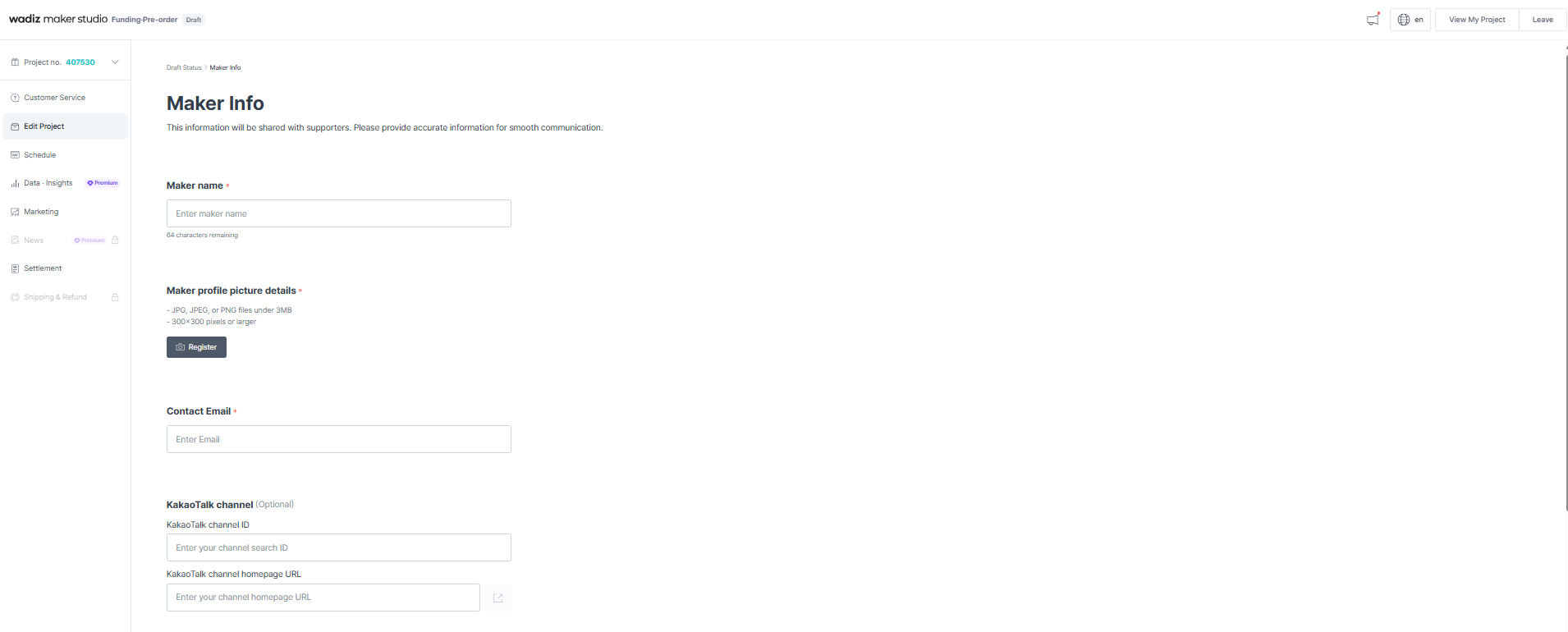
Configure the global brand and maker profiles.
Upload primary thumbnail imagery and basic project data via the central creator portal.
Set the target content language (must perfectly match your actual draft language to prevent AI translation errors during review).
Step 3. Story Optimization & Reward Architecture
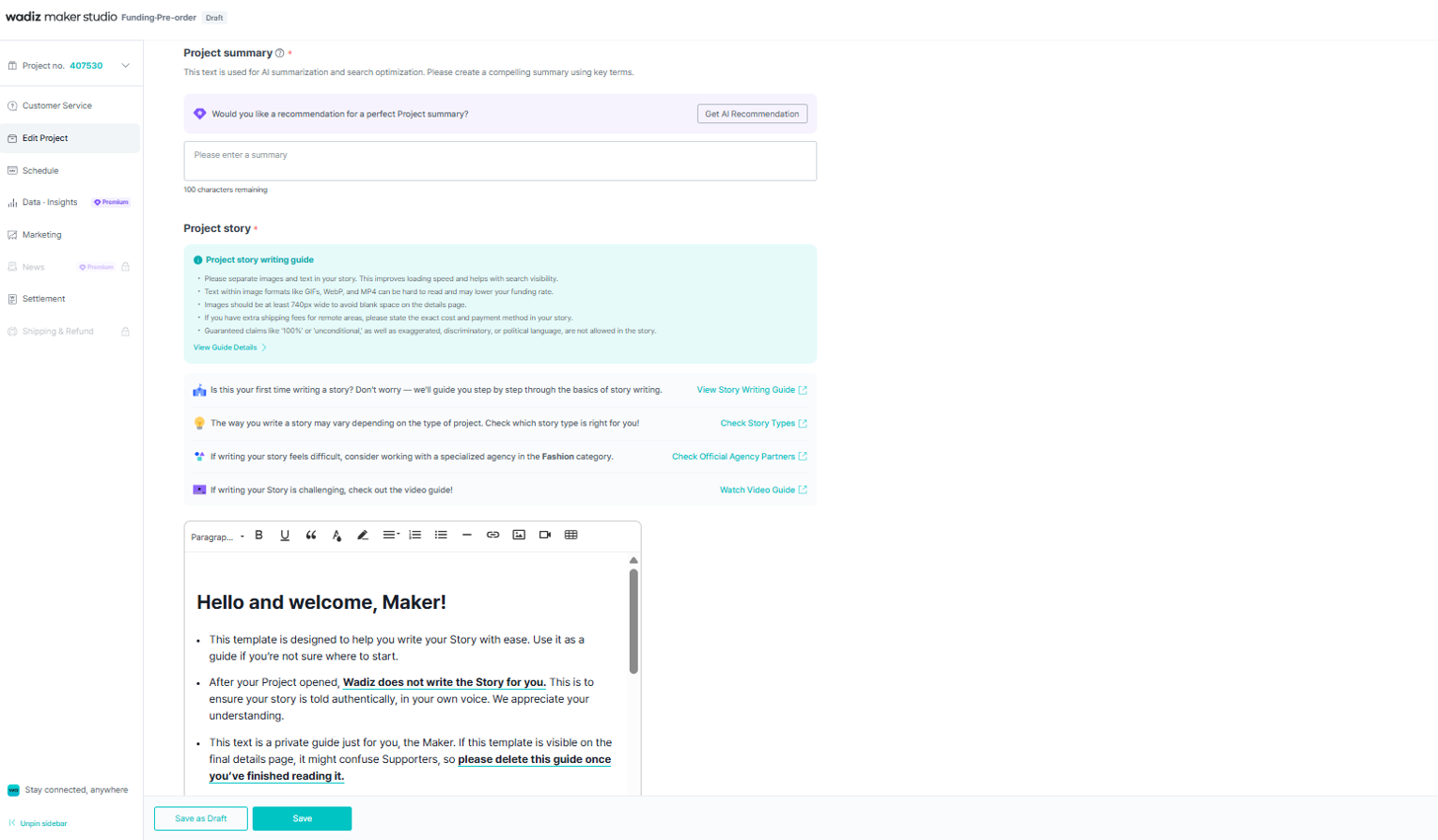
The Story Page serves as your primary conversion asset and must adapt to Korean customer sentiment. Wadiz recommends the following standards:
Project Story: In your funding story, it is crucial to introduce the key features of the product or service you have prepared as a reward. Clearly showcase your product's unique selling points alongside images that help supporters easily understand the reward. Beyond that, compelling your supporters by sharing the background story of how this product came to life is equally important. Please share your genuine journey as a maker preparing this project. Including real photos of yourself or your team will build even greater trust with your supporters—whether it is a headshot of the founder or a group photo capturing the entire team.
➡️Is there any specific information that must be included in the Funding Project Story?Reward Structure: Build global reward packages designed for international transit and customs clearance. Differentiate shipping availability and delivery fees by country. Input core details, such as pricing, as text instead of embedding them into images. All transactions are processed in Korean Won (KRW)
Global Shipping Configurations: Access Project Management ➔ Reward Menu to activate international routing for specific tiers. You may select from 200+ countries — activate only locations you can reliably service.
Step 4. Global Settlement Validation
Before submitting your project for review, finalize and link your designated payout account (PingPong or Stripe). This validation step is mandatory. Projects submitted without confirmed payout credentials will not pass Wadiz compliance review.
Step 5. Submission, Pre-Launch, & Main Campaign Calibration
After setting up your project on Wadiz, submit it for review. Once your project is approved, it goes through two main public phases:
Coming Soon (Pre-Launch)
Activate your Coming Soon page to collect “notify me” followers and build an early audience before the funding period starts.
➡️Mastering the Wadiz Success Formula: How to Boost impression Through Notifications, Signatures, Comments, and FollowsMain Funding Campaign
Open your main funding period, where supporters can participate in funding. During this phase, you can monitor visits, funding performance, and supporter data in real time through your dashboard.
Step 6. Fulfillment
Once your campaign concludes and you transition into the fulfillment phase, you must input your tracking numbers directly into the dashboard under the 'Shipment & Refund Management' section. If the status is not manually updated within 10 days after entering the tracking data, the system will automatically transition the reward to 'Delivered' status.
➡️I'm curious about Shippingfor global projects run Makeroutside of Korea.
Frequently Asked Questions (FAQ)
Q1. How do I get assistance if I encounter technical issues while drafting my campaign?
A: Maker Studio includes Wai, an integrated real-time AI assistant built directly into the platform. Wai provides immediate guidance at any stage of campaign configuration, from profile setup through to reward management.
Q2. What is the return policy regarding a supporter's change of mind?
A: For projects launched by foreign business entities, buyer's remorse refunds are fundamentally restricted once international shipping has commenced. The statutory 7-day return grace period for simple changes of mind applies exclusively to campaigns where both the origin warehouse and the recipient's delivery address are located entirely within South Korea. However, creators maintain the autonomy to issue voluntary refunds if desired.
Q3. What triggers final payout settlement from Wadiz?
A: Two conditions must be met simultaneously: first, every individual reward order must show a completed delivery status in your dashboard; second, all active refund requests must be fully resolved. Once the final shipment is marked as delivered, the system initiates a 25-day consumer protection hold. Your final settlement invoice is then generated and remitted via your gateway within 10 business days.
Just Start on Wadiz.
Your step-by-step guide from preparation to funding success—available now at the Wadiz Maker Center.