Other
Can I conduct a survey with my followers?
When you register a survey on the Maker Page, supporters who follow you can participate in the survey.
- If you are a maker who has run a Wadiz project before, anyone can do it! Read the guide and follow along right away.
1) Visit Wadiz and log in. (Same on PC and mobile)
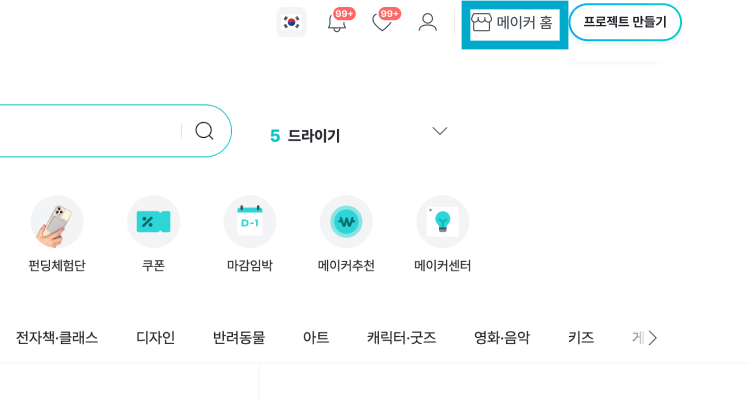
2) Click [Maker Home] in the top right to go to Maker Home.
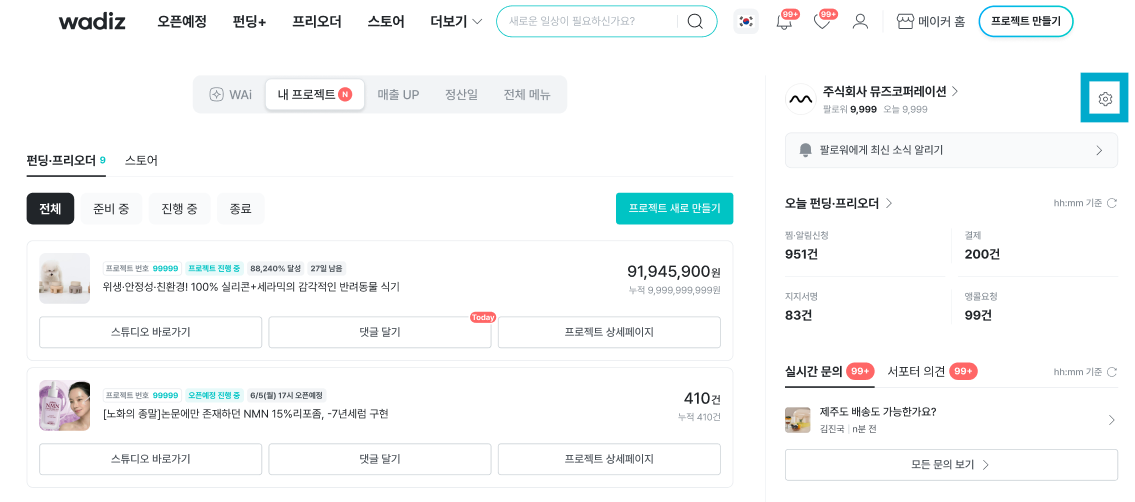
3) Click the gear icon (Maker Page) next to your maker name in the top right [Maker Page] You can move to the home.
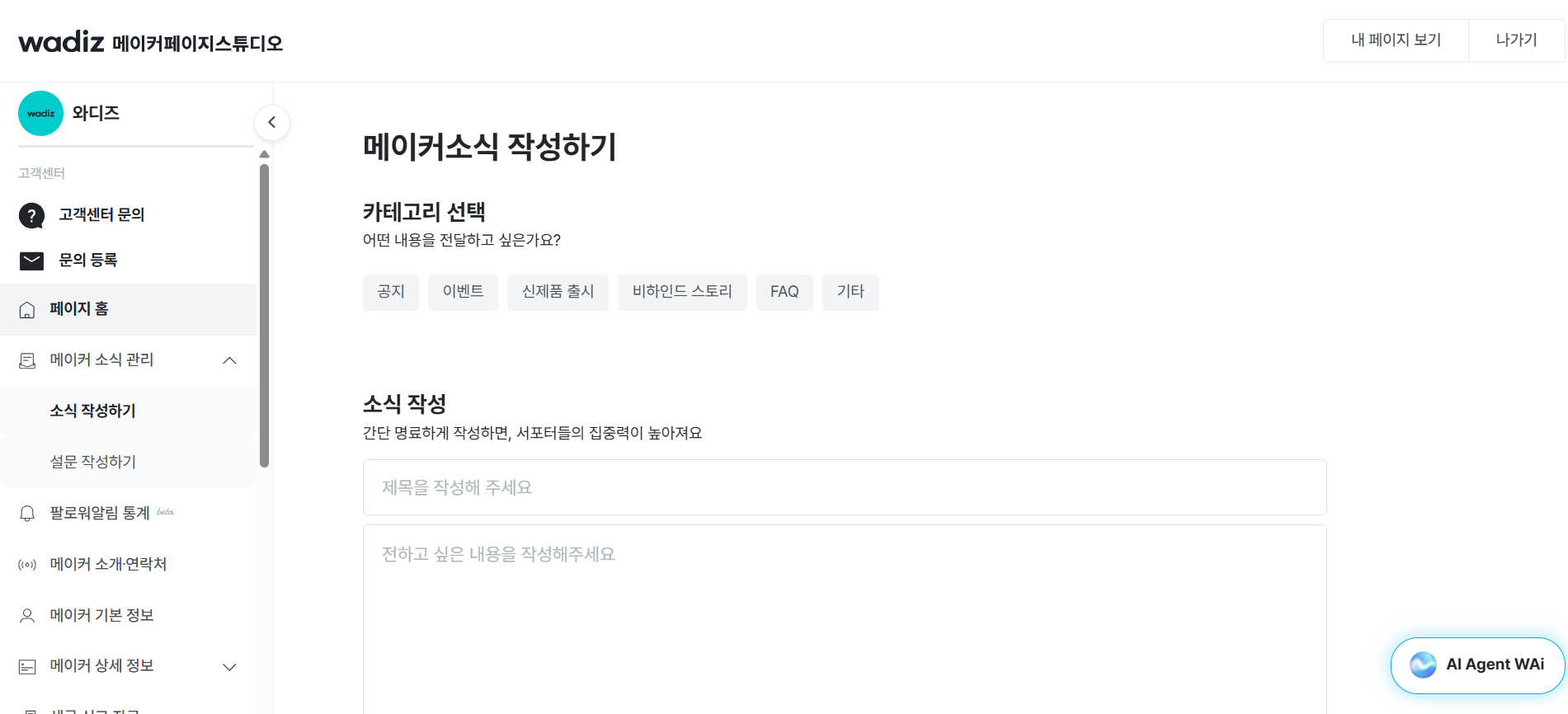
4) In [Maker Page], click [Write Survey].
- Click [Write Survey] here.
- You can see a screen where you can write surveys divided into multiple choice and essay types.
- Select the survey type you want from multiple choice or essay.
- When writing a multiple choice survey, please enter at least 2 answer options.
6) Select the survey type you want and write it.
- Please choose an image of at least 1380px X 1380px for clear delivery.
- When the aspect ratio is 1:1, it is conveyed most accurately to supporters.
- When you fill in the required content, a post button will appear. Click it and it will be posted on your Maker Page right away, so please click carefully.
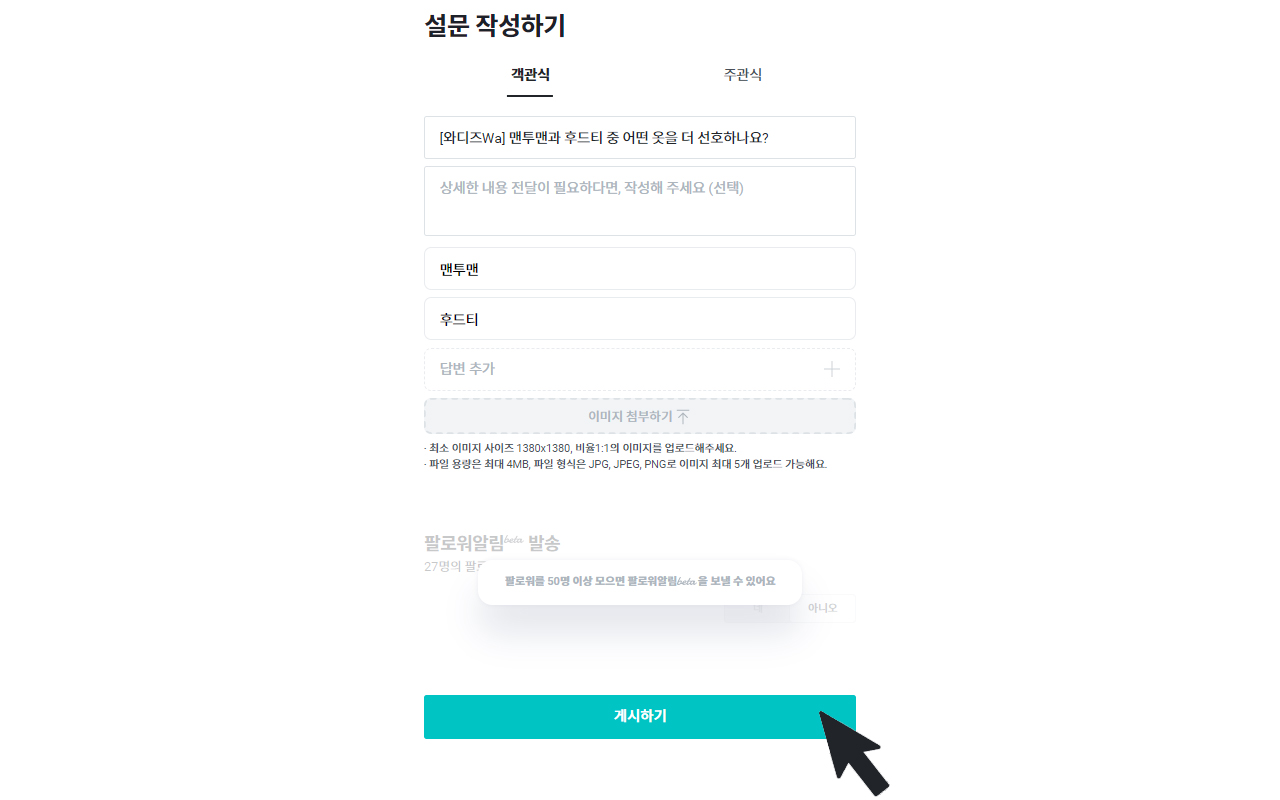
The post button is displayed like this.
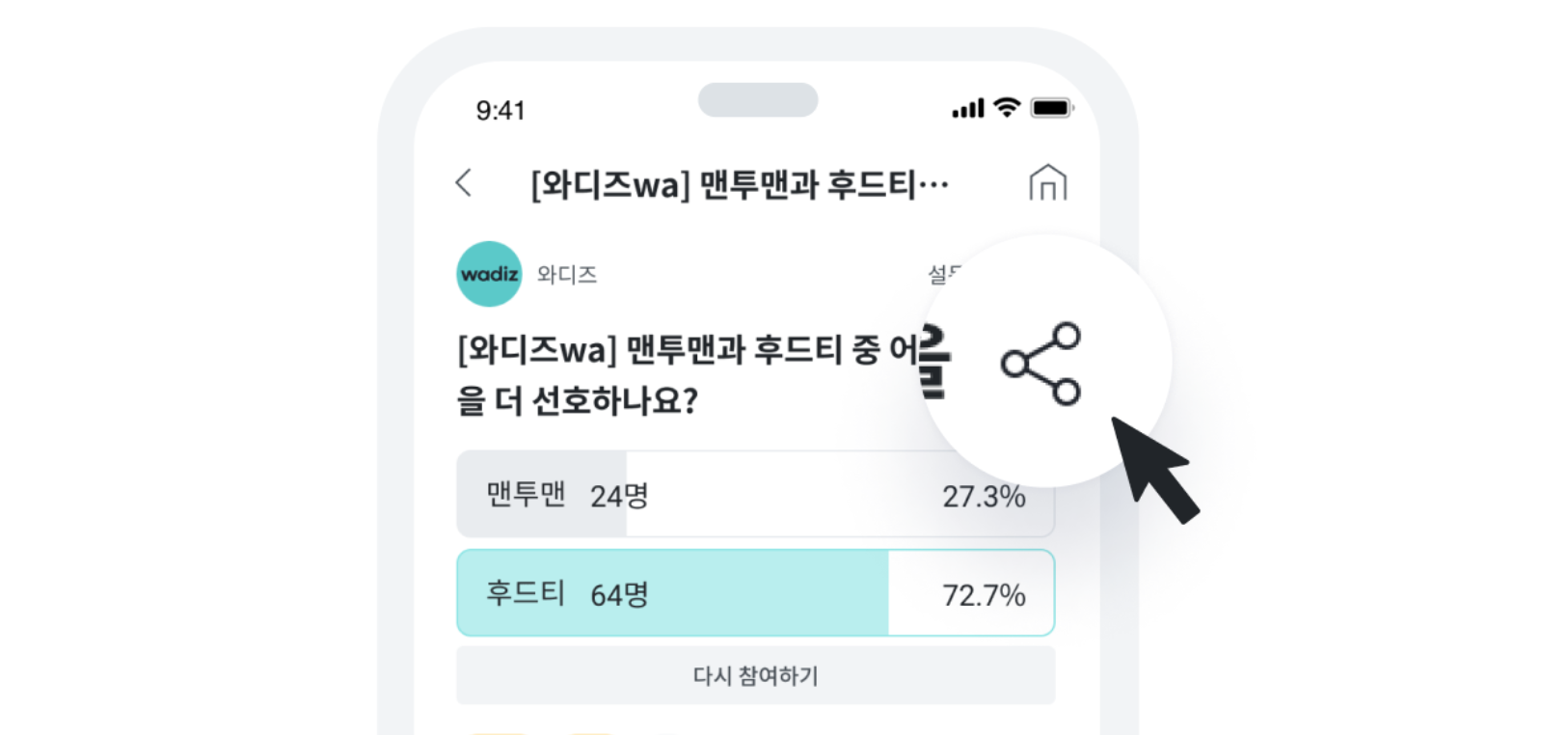
7) You can share an ongoing survey on your Maker Page. Share it so that more followers can participate.
Related Guides