Wadiz Funding Success Guide | How to Create Product Detail Pages and GIFs That Persuade Customers Without Video
Updated: July 15, 2026
confirmed by success funding data
How to make a detailed page
It's helpful for people like this
- It's my first time making a detailed page, but I don't know how much to put in
- I don't know if I have to make a promotional video
- I want to know where and how to use GIF
- I couldn't decide if I should make it into a whole image or write text with an editor
The core of the detailed page is not high-cost images, but image density and GIF. 95% of the projects recruited over 10 million won used GIFs, and 85% placed the first GIF at the front of the text.
Is it necessary for the production cost and time-consuming video and detailed page? When I analyzed the funding project for Wadiz 2025-26, the video was not a prerequisite. Of the projects that achieved more than 10 million won in recruitment, only 13% used video, which was not much different from the failed project (11%). The part that clearly distinguished the performance of the actual success project and the failure project was how to use GIF. From now on, I will tell you how to organize the detailed page confirmed by the data.
1. GIF to catch supporters' attention
Supporters decide whether to continue watching this project in the first few seconds of scrolling. GIF's role is to show how the product moves at that moment. Prove with movement on the first screen that "it gets longer when described in words," such as use scenes, before and after comparisons, and operational demonstrations.
|
Group
|
Projects with GIFs in the Introduction
|
|
10 million won or more
|
85% |
|
Success of less than 10 million won
|
60% |
|
Failed
|
32.6% |
In fact, 95% of the successful projects recruited more than 10 million won put GIFs on the detailed page, and 85% of them placed them at the top of the text. Not only that, but the number of images also affected. If there are less than 20 images in the detailed page, the probability of achieving more than 10 million won is only 5%. So, if you're thinking about how to organize detailed pages, it's much more advantageous to use images and GIFs to deliver life instead of resource-intensive videos.
2. Story Introduction Type for Funding Success Project
When I opened the introduction to the detailed page of the top project of more than 10 million won, there was something in common with the beloved projects. I've organized these into three types, so please refer to the type that suits me.
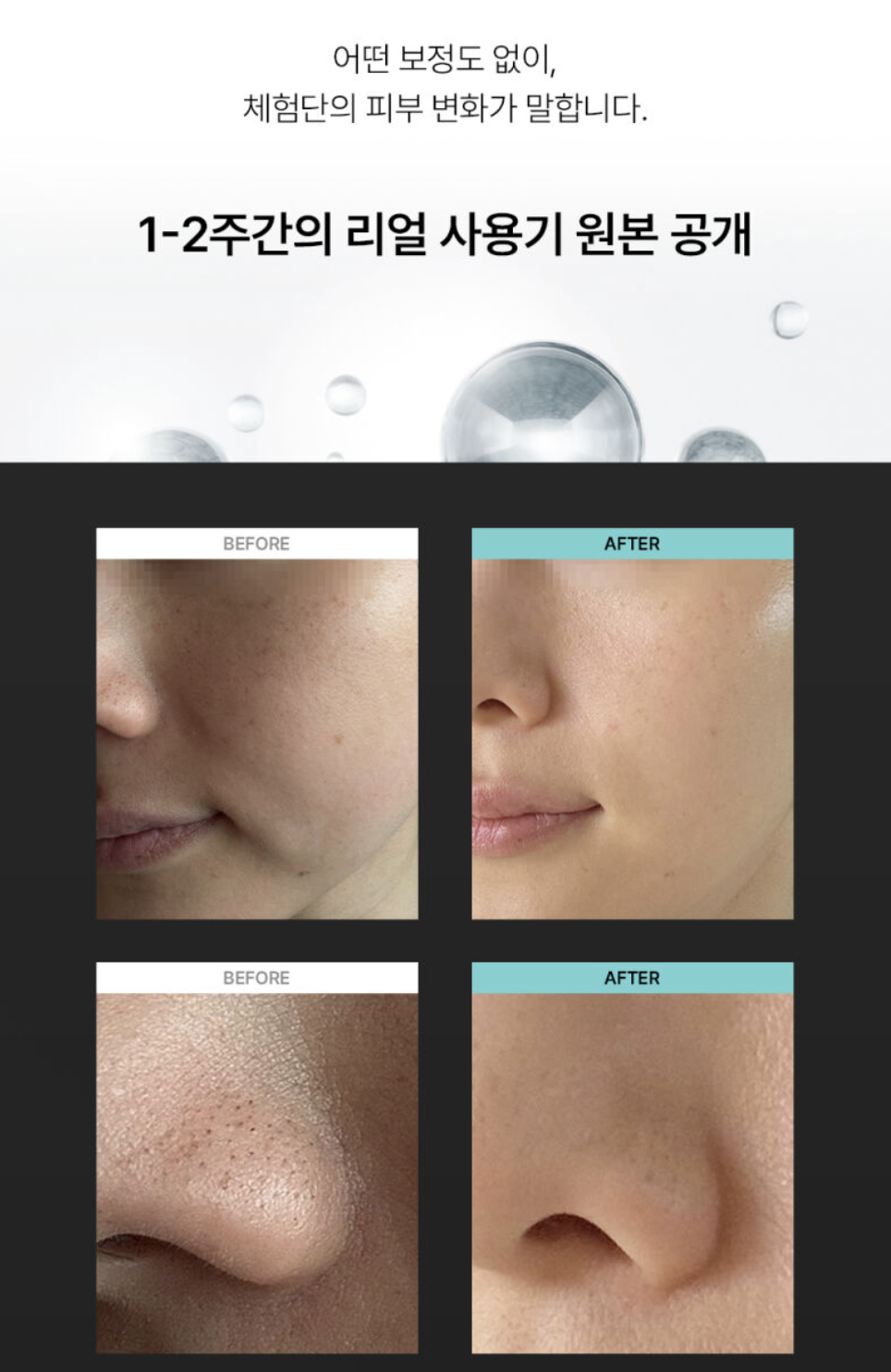
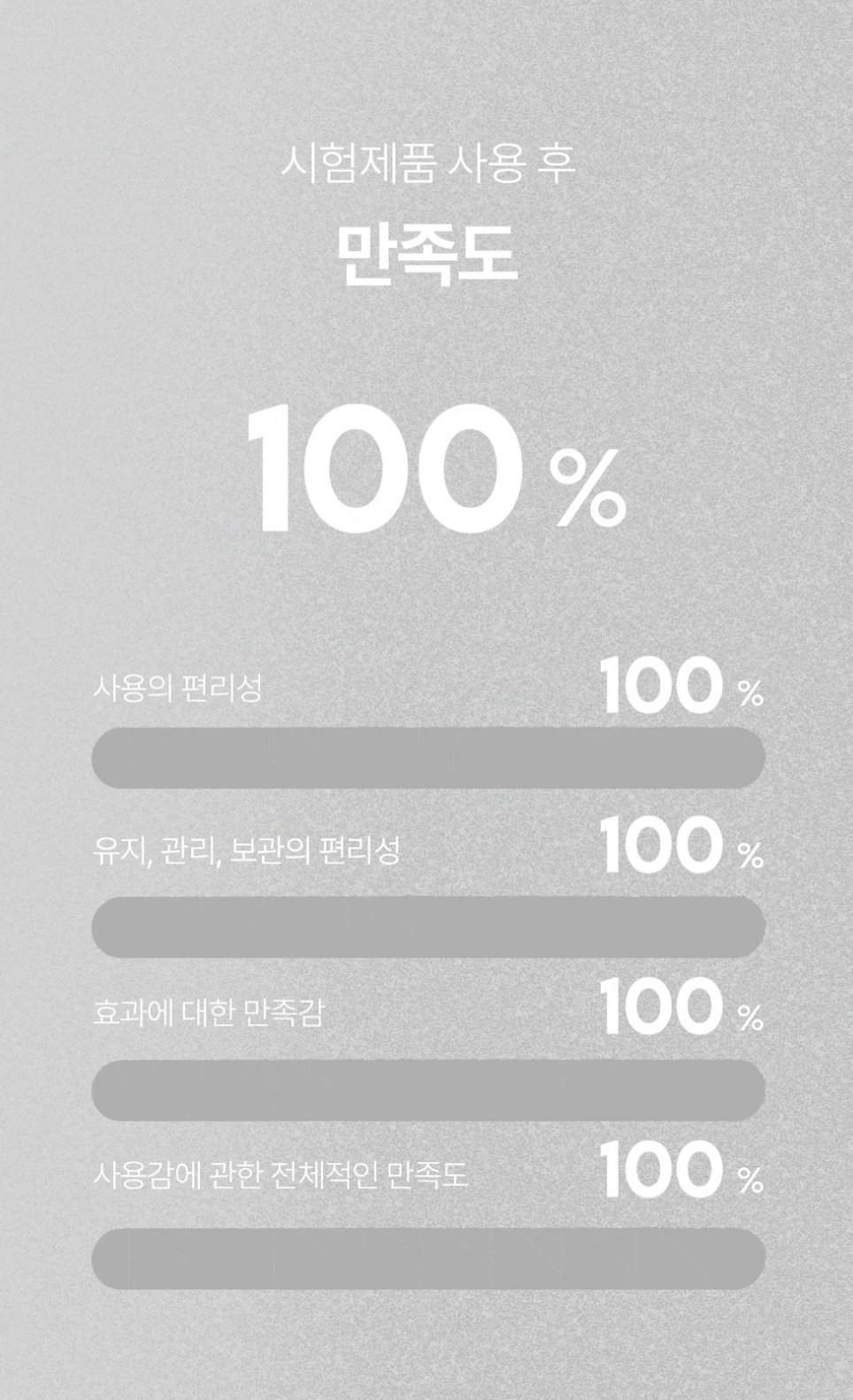
① Post-certification/certification emphasis type
It is a structure that builds third-party verification instead of self-claiming. "Verifiable evidence" becomes the framework of the text, such as uncorrected actual images, SGS test reports, clinical data from the Ministry of Food and Drug Safety, and output figures.
Case 1. Waterdrop Ultrasonic Beauty Device (KRW 1.11 billion recruited) |
|
|---|---|
 |
 |
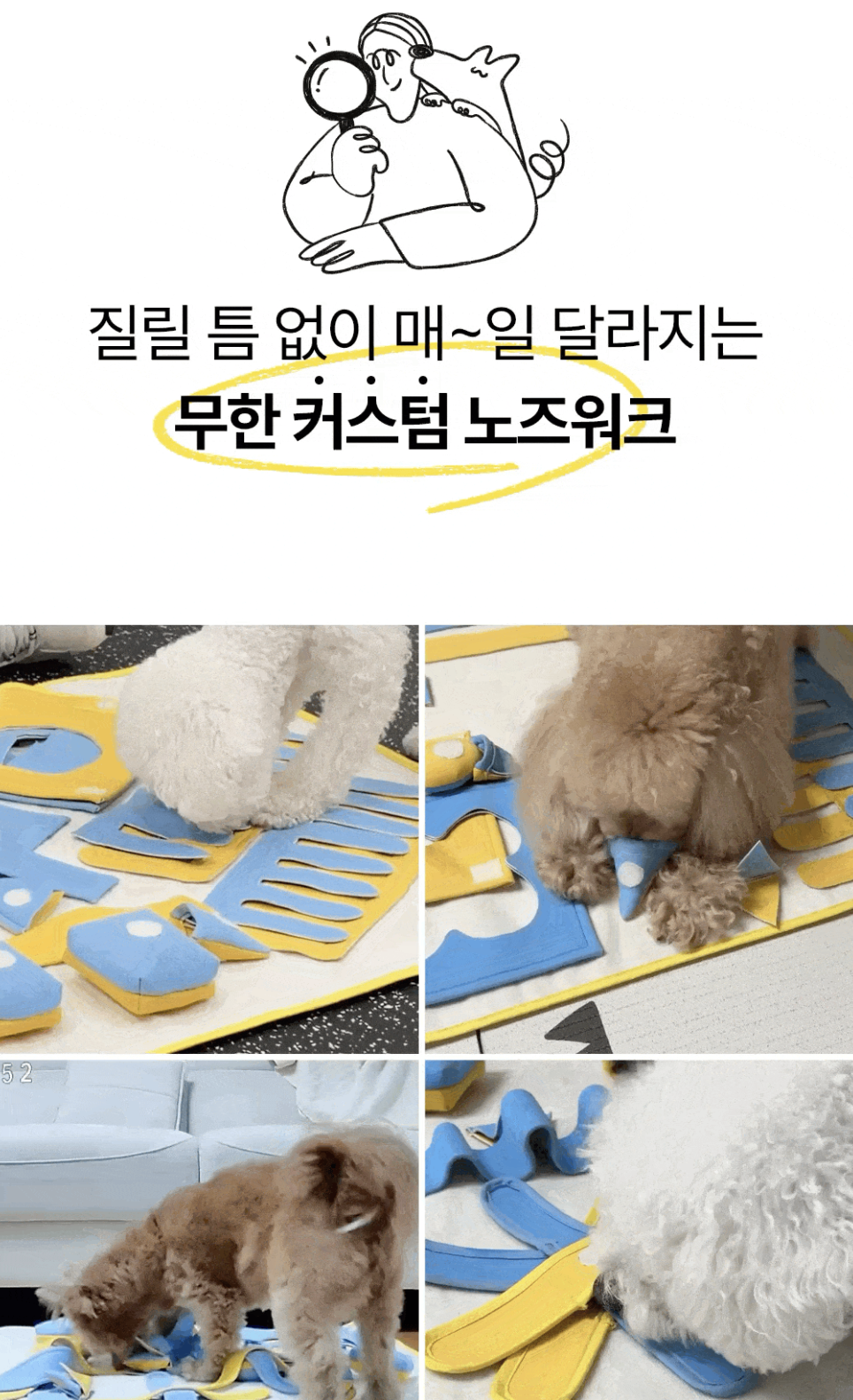
② Storytelling type
It is a type that expresses more vividly how to solve the representative inconvenience that supporters must have experienced. It has the power to make the supporter focus with, 'This is my story.'
| Case 2. Nosework toys designed by veterinarian Seol Chae-hyun (recruitment of KRW 8.5 million) |
|
|---|---|
 |
 |
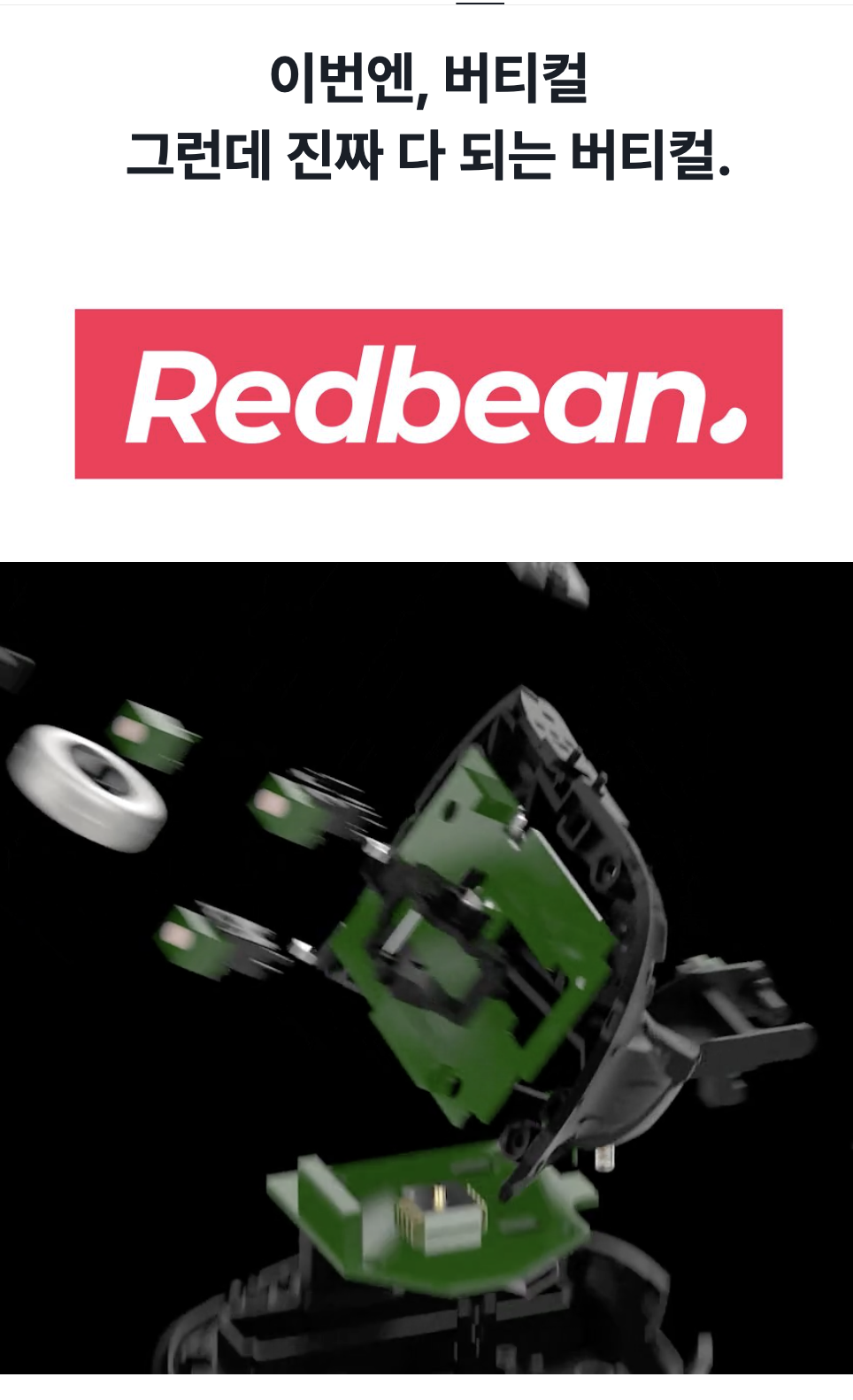
③ Strength maximization type
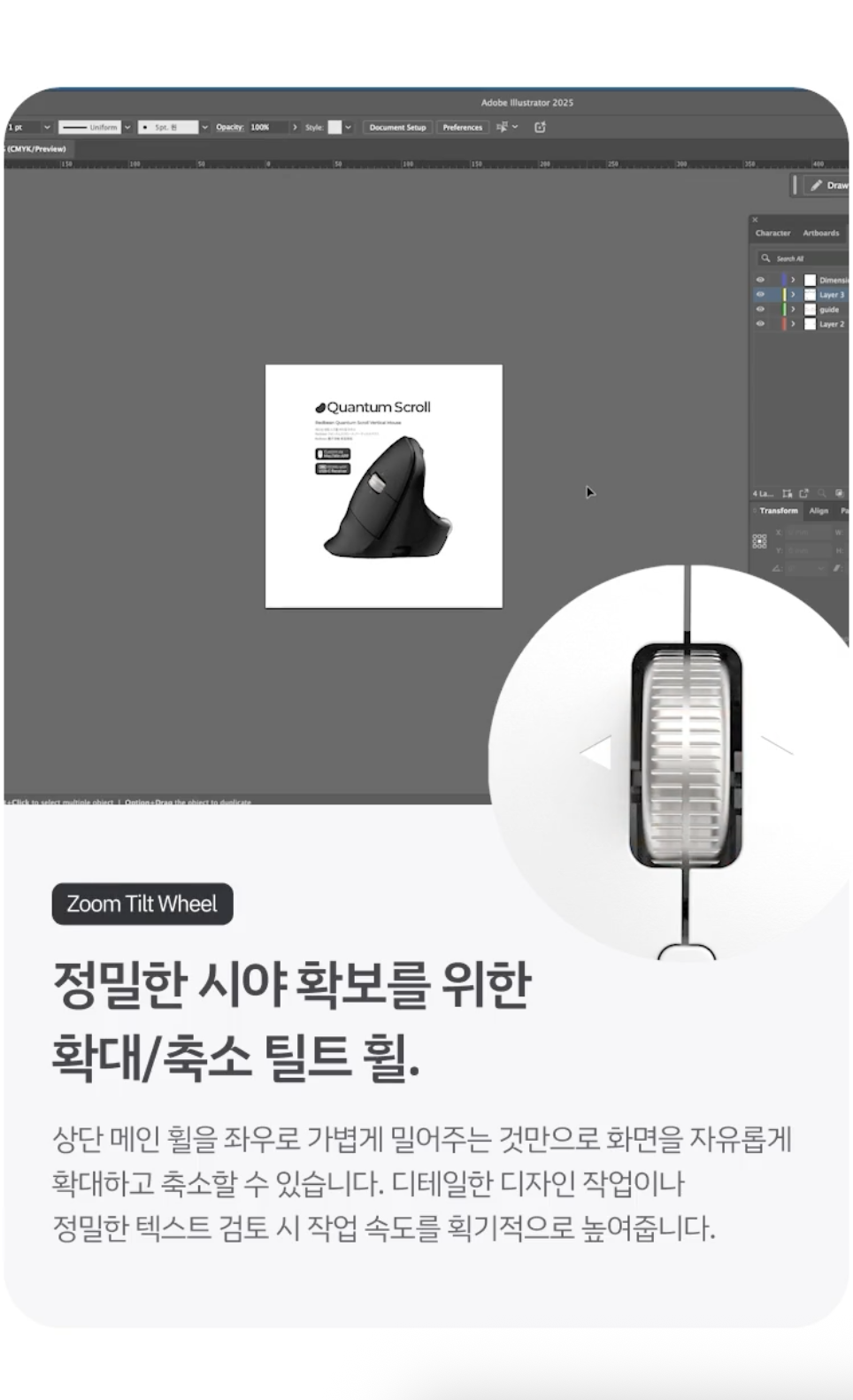
It is a method of maximizing the strengths of products and services by emphasizing them with impact. Motion introduction of how convenient and useful this strength is can better convince supporters.
Case 3. Infinite Scroll Vertical Mouse (KRW 3.7 million recruited) |
|
|---|---|
 |
 |
3. Proper balance of whole images and text
There are many people who think about whether to make all detailed pages only with design images and write their own text using an editor. At first glance, you might think it's advantageous to produce a whole image, but the important thing is to achieve the right balance of image and text. This is because each one has its own pros and cons.
|
How to write
|
strength
|
|
Enter text with editor
|
Portal/AI search answers are more likely to be exposed based on written text
|
|
Full Design Image
|
Product-enhanced design, consistent storytelling with branding
|
In order to create a detailed page with both strengths, I recommend that you write core copies, product specifications, and maker introductions yourself using an editor. It is also recommended that you definitely appeal to supporters of this project by filling in at least 50 images.
4. Frequently Asked Questions (FAQ)
Q. Do I really need a video on the detailed page?
A. It's not a must. The video usage rate (13.1%) of the 10 million won+ project was almost the same as that of the failure project (10.7%). If it's the same resource, I recommend filling in at least 60 images and demonstration GIFs first.
Q. How do I start the introduction to the detail page?
A. Putting a demonstration GIF on the first scroll is a common pattern for the top projects (85%). After that, go to the type of evidence that fits my category (actual/certified/founder narrative/history/genuine/collaborative limited).
Q. What are the specifications of the detailed page image and the GIF upload capacity?
A. The body image of the detailed page can be configured to look unbroken if you work with at least 630 pixels in horizontal size. I recommend registering images and GIFs under 2MB.
Q. Can I modify the detailed page even after opening?
A. The following items can be modified directly up to 10 times through AI review requests on the [Story] tab of the maker studio.
- Project title
- Representative image
- an introductory video and an introductory photo
- Project Summary
- Project Story (detail page body)
- Story to be opened (However, the story to be opened cannot be modified after the project has already been released)
- Tags for Search
The revision procedure is as follows.
- Modify content in the Maker Studio [Story] tab
- Click the AI review button → Automatic review process
- After receiving the notification of completion of the screening
- Apply to the actual detail page only when the [reflect] button is pressed
Looking at the data of the success project, what moved the supporters (customers) was not a fancy and concise story, but a sufficient introduction of the charm of the project with GIFs and more than 50 images. Focus on GIFs that can be made simpler than spending time and money on videos.

It starts with Wadiz. Just Start on Wadiz.
Everyone's start, everyone's funding.