Store
How to Apply for Wadiz Only?
You can apply for Wadiz Only through the following two methods.
- You can apply through Wadiz Help Center Inquiry Registration (Click).
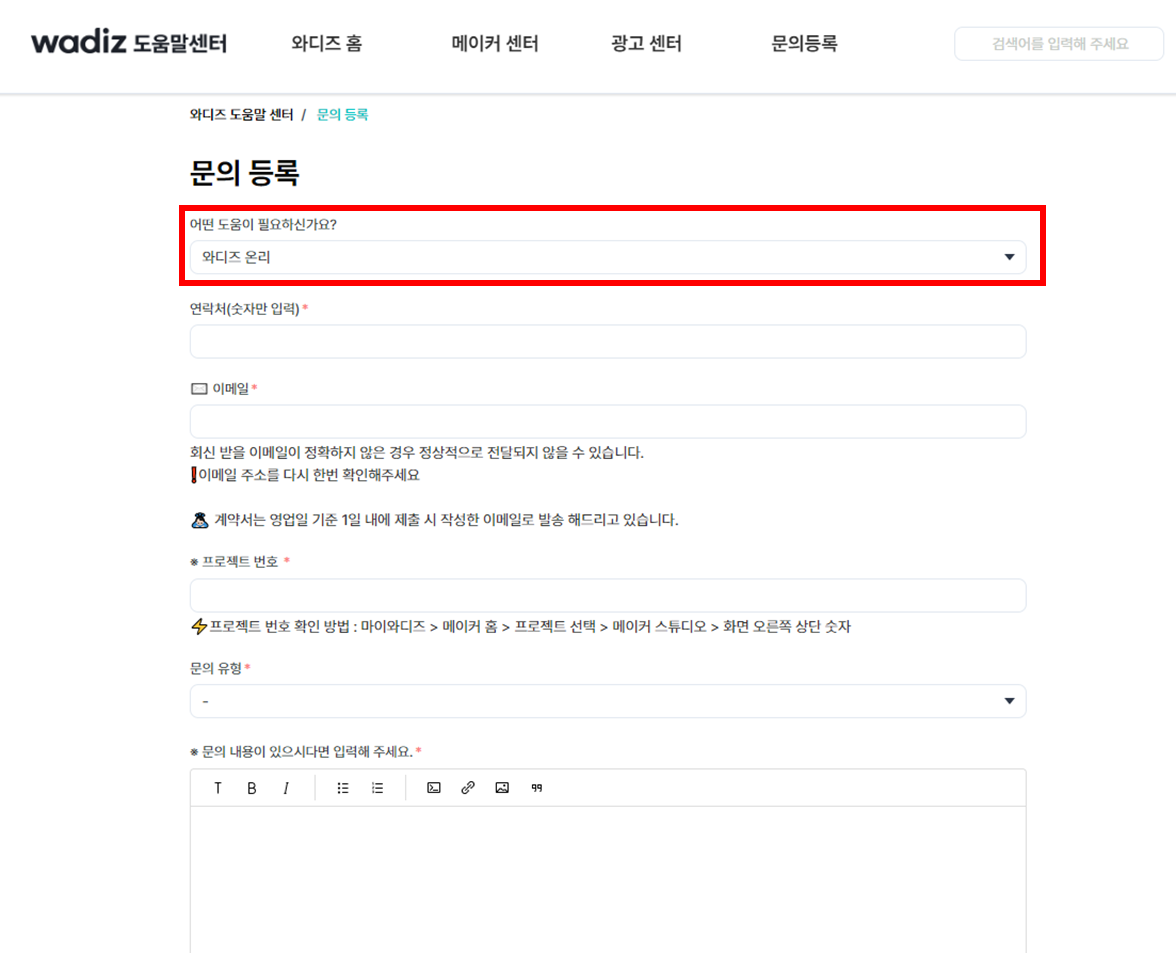
- Please apply through [Maker Studio] of the store project you are preparing.
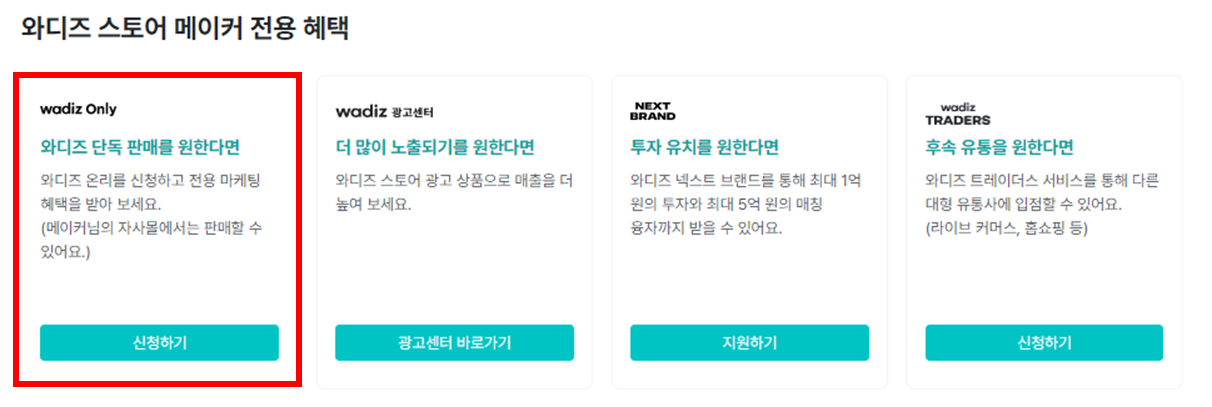
Please complete the Wadiz Only Application Form.
- Please accurately enter the project number of the funding/preorder project where you wish to open a store.
- If you wish to simultaneously open a store for a funding/preorder project that is not in progress when applying for store opening on Only, please include the number of projects that wish to open without funding in the inquiry content and apply.
- The store manager will carefully review your application and guide you on whether your project is selected for Wadiz Only.
- Immediately after setting, the Wadiz Only badge will automatically appear on the project card and detail page.