First impression of your project, 'Representative Image'. Please register according to the required guidelines.
[Table of Contents]
- Image Composition
- Size & Ratio
- Background & Border
- Text Insertion
- Logo & Emblem Insertion
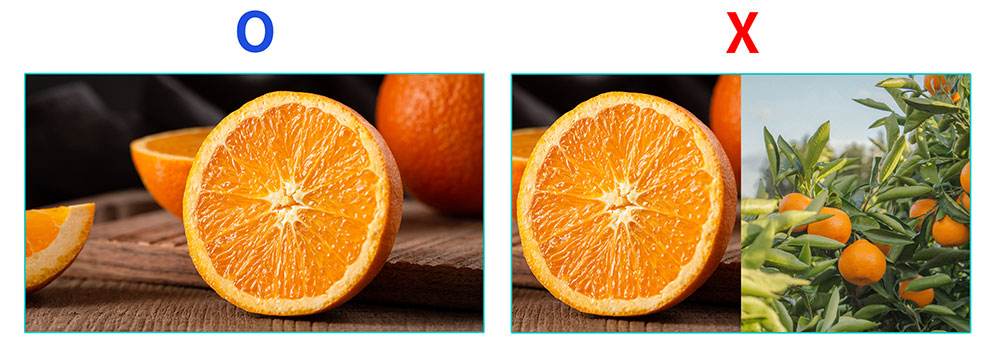
1. Image Composition- Please register a single image where the reward is clearly visible. You cannot use a composite of multiple images.
- You cannot use before & after images of the reward.
Example) For cosmetic rewards, you cannot register both a before-use image and an improved image together. - You can only register a single image. (Please register only a single shot.)
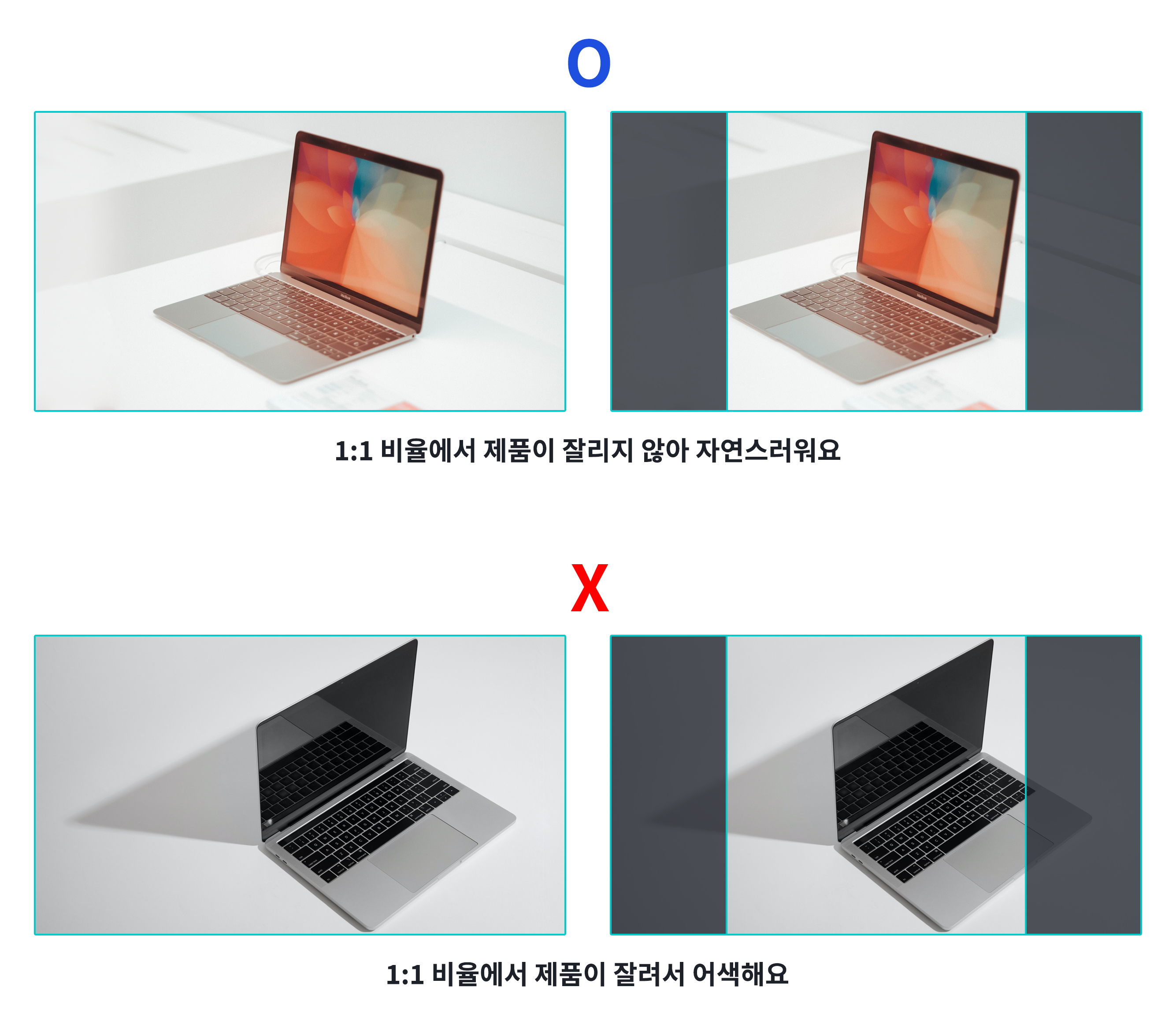
- Please choose a photo where the product is positioned in the center.
- Register an image that doesn't look awkward even in a 1:1 ratio. When your project is shared on SNS, the left and right margins may be cropped.
2. Size & Ratio- The representative image can be registered at 3MB or less.
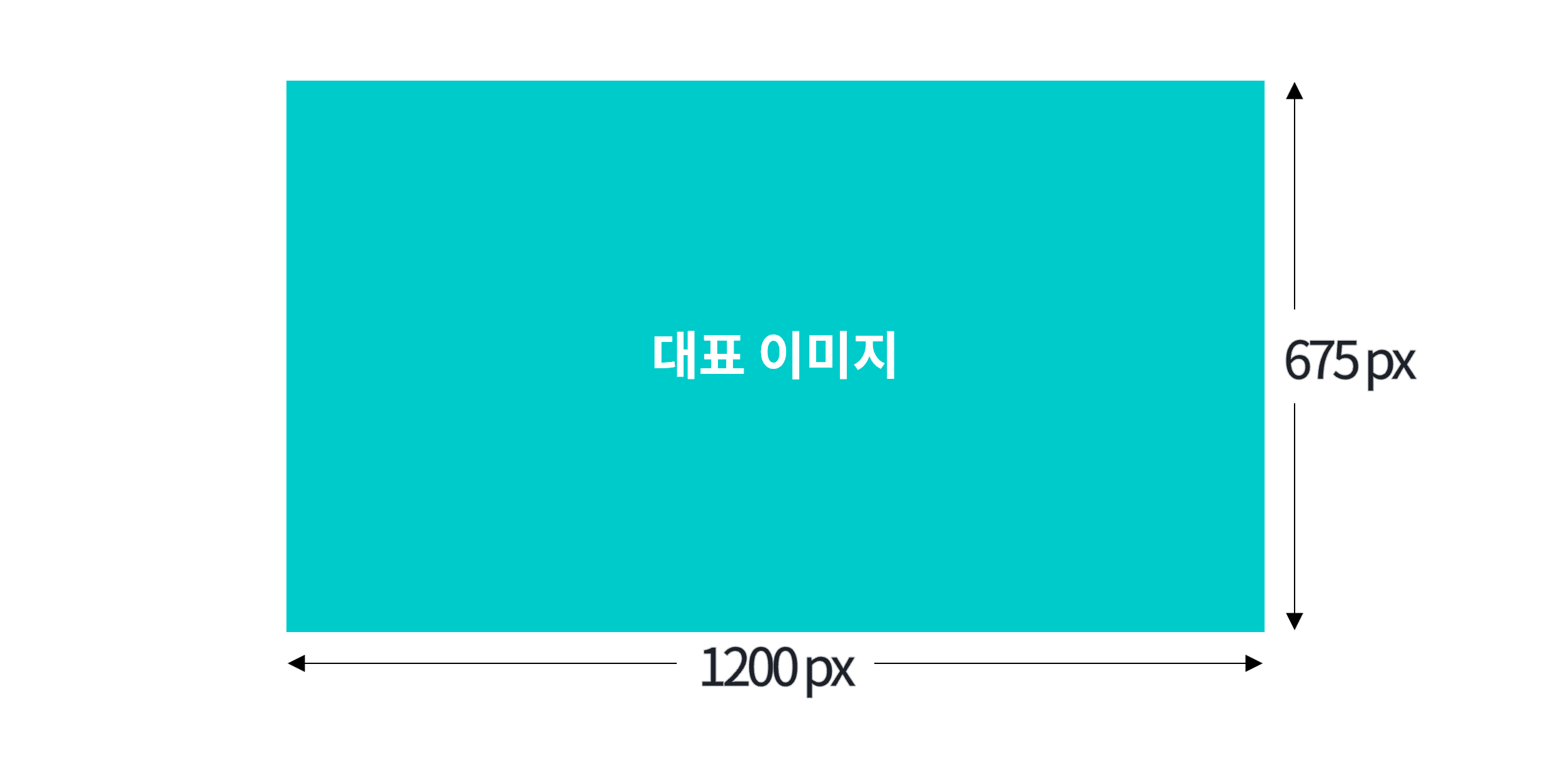
- The recommended size for the representative image is 1200px wide by 675px tall.
- You can upload images larger than 3MB as long as they are within the size limit. However, please maintain the ratio.
- If the ratio is different, the image may appear cropped or distorted. After registering the representative image, please be sure to check the preview.
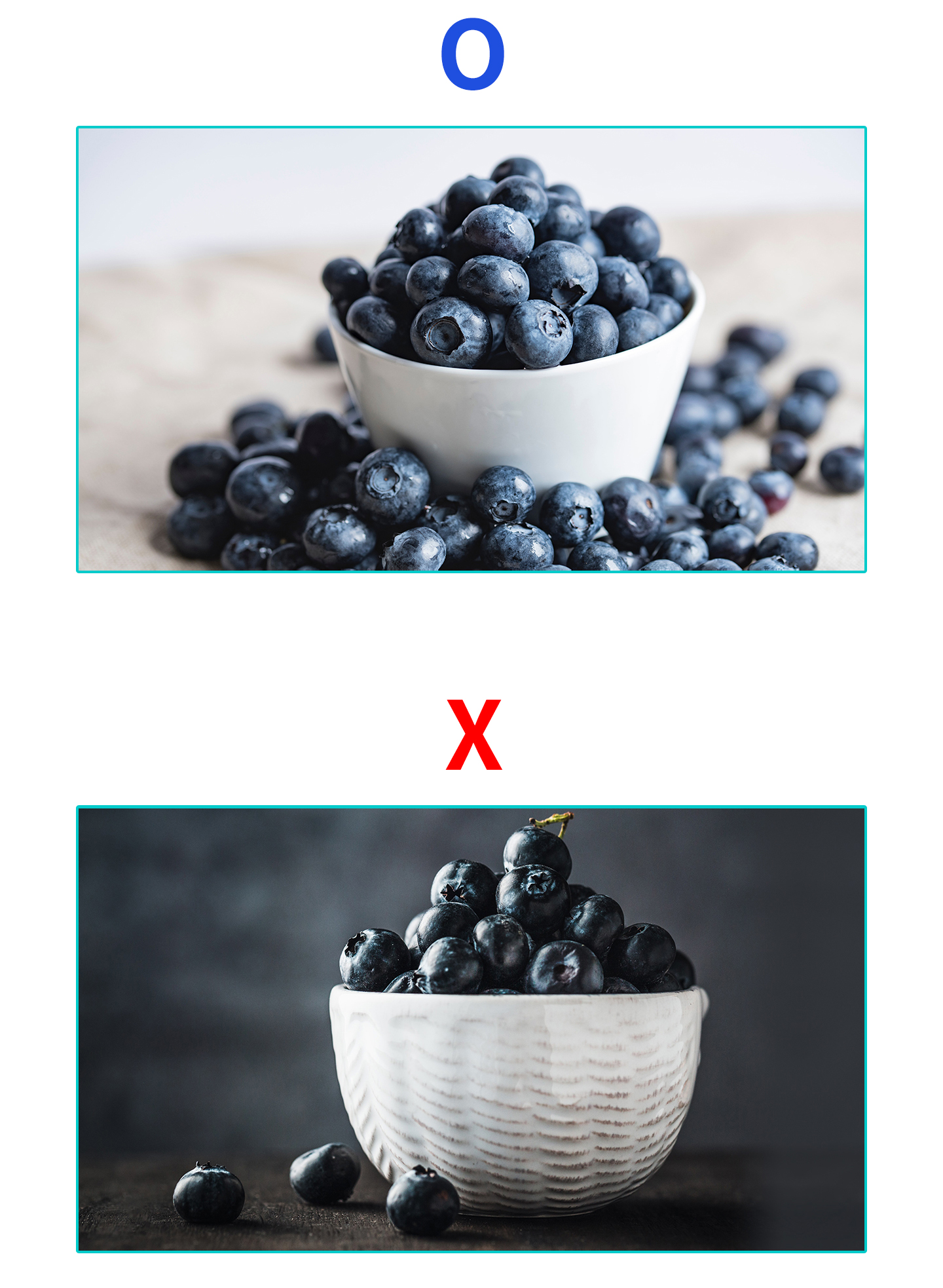
- Display the product large.
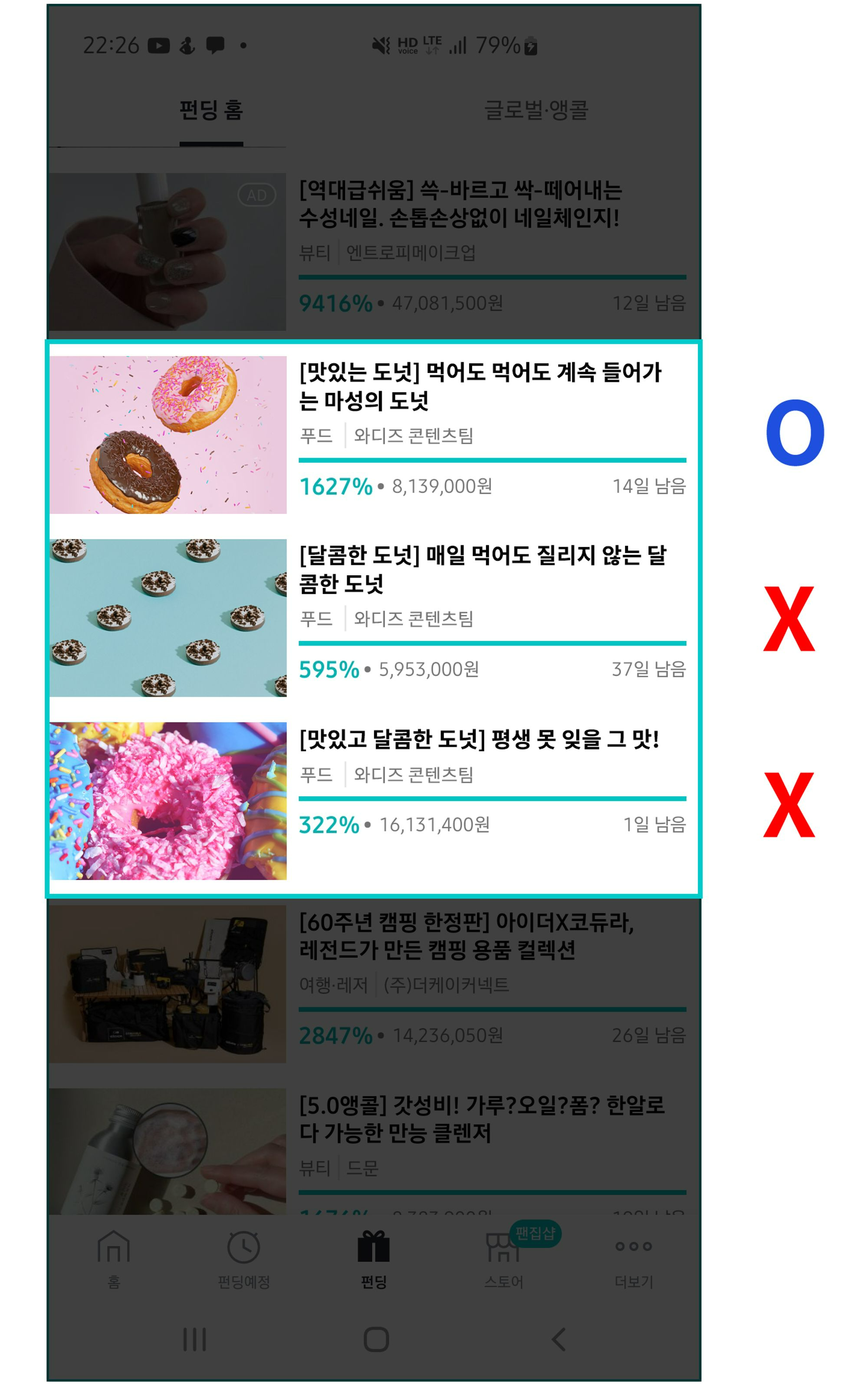
- On mobile, the representative image appears small as well.
- If the product appears small, it cannot capture attention on mobile or encourage clicks. Please register an image of the product taken from a distance where its presence is clearly visible.
| - Images taken from too far away or too close cannot show what the product is.
|
 | 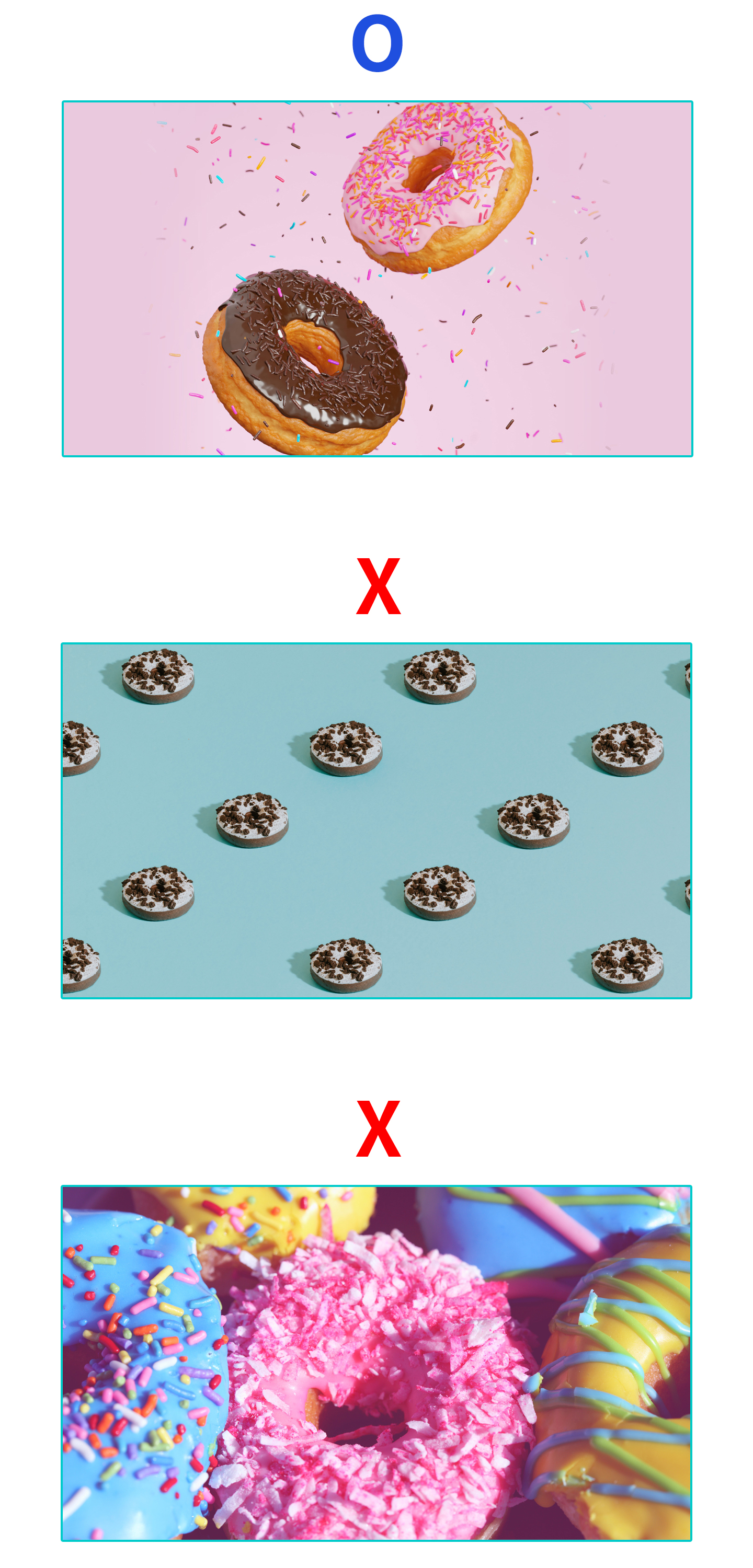 |
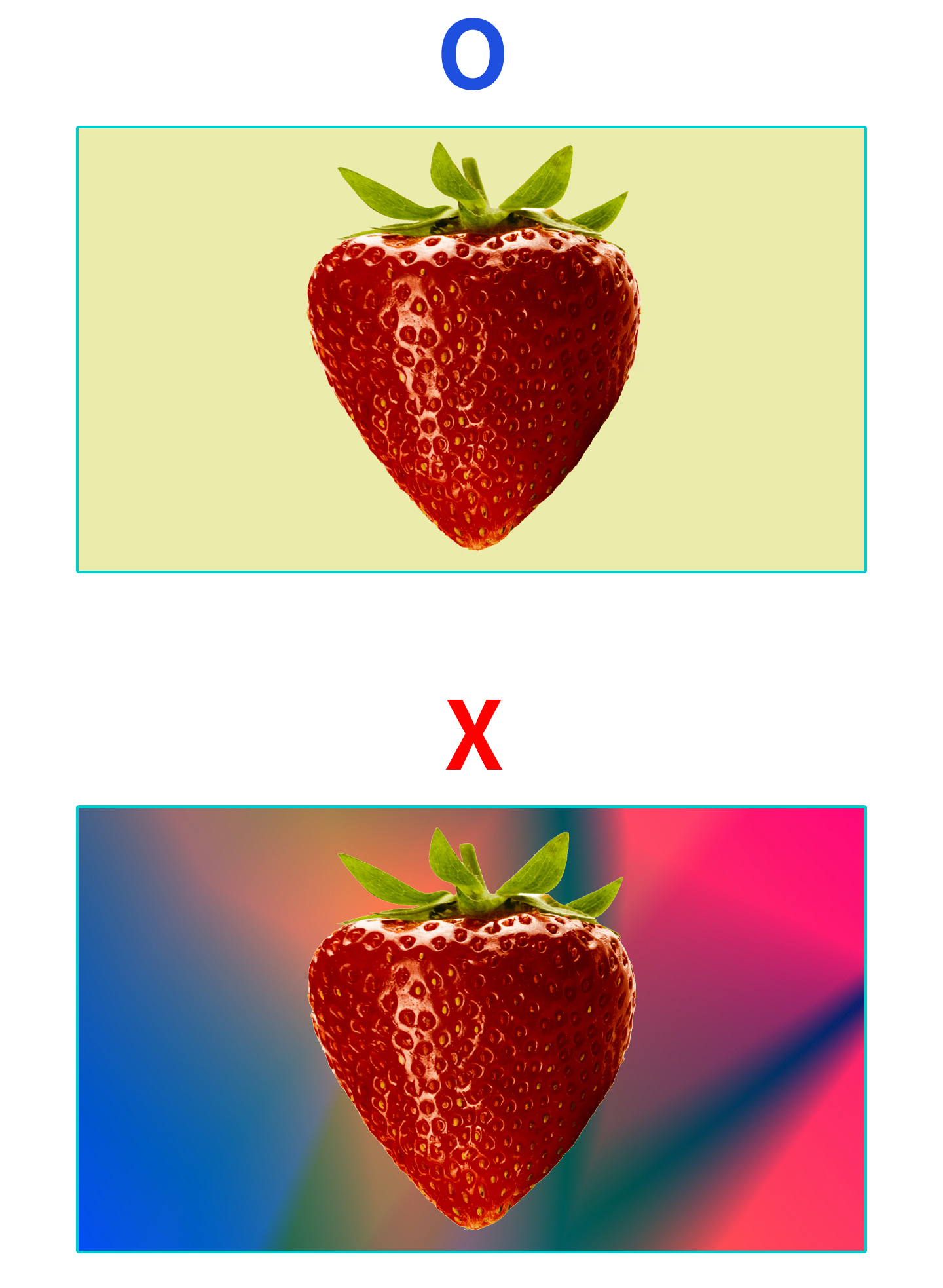
3. Background & Border- We recommend images with a clean background where the product's appearance and features are clearly visible.
- If the background is ornate, attention will be drawn to the background before the product, and the focus on the product may decrease.
- We also do not recommend photos where the background and product colors are similar. This is because your product cannot be distinguished at a glance among numerous project lists.
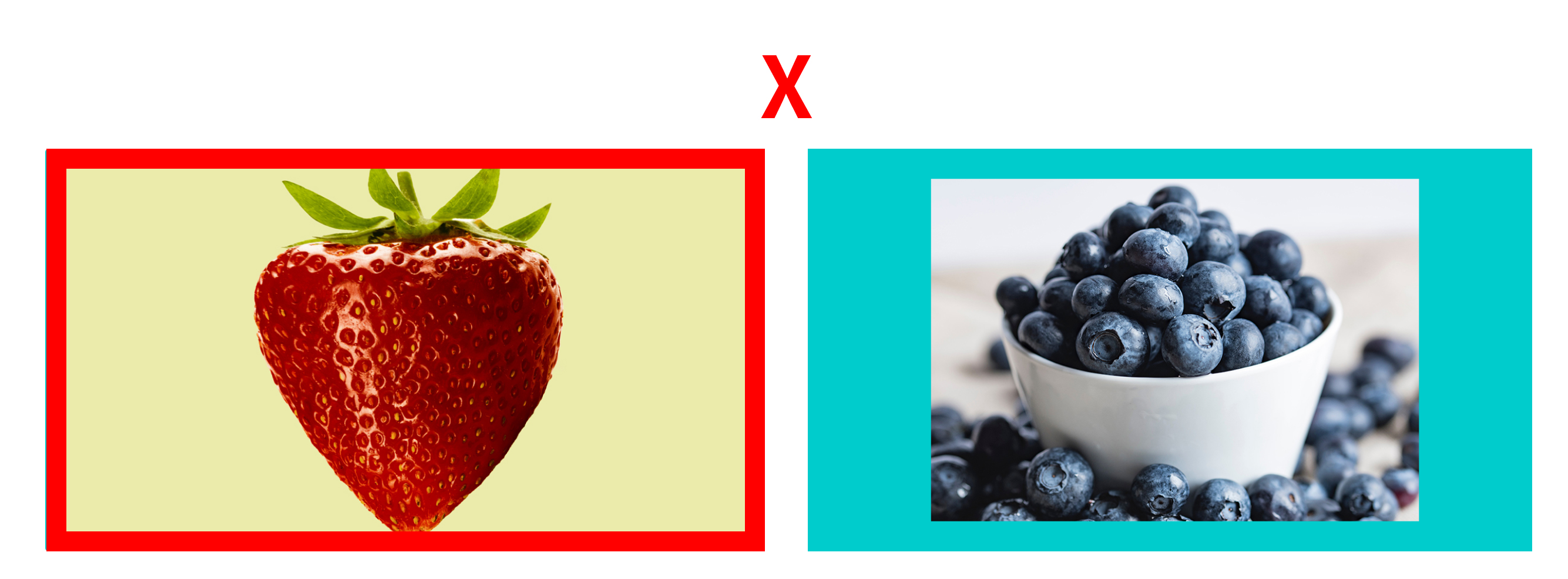
- You cannot use a design with a border in the representative image.
- A border simply composited to emphasize an image cannot be used. For service consistency, we limit borders that could make a specific project appear emphasized.
- If you submit a project with a representative image that does not meet the guidelines, we will provide modification guidance during the project review process. Images that are not modified may be changed arbitrarily by the manager to comply with the guidelines.
(The above criteria were applied on 2023.11.21.)
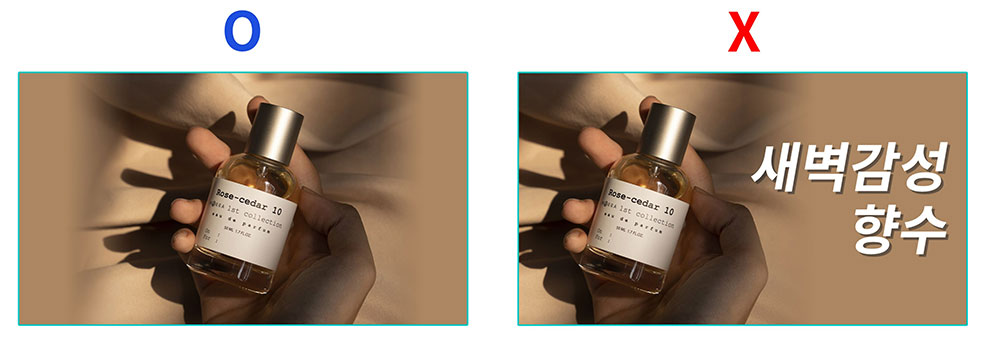
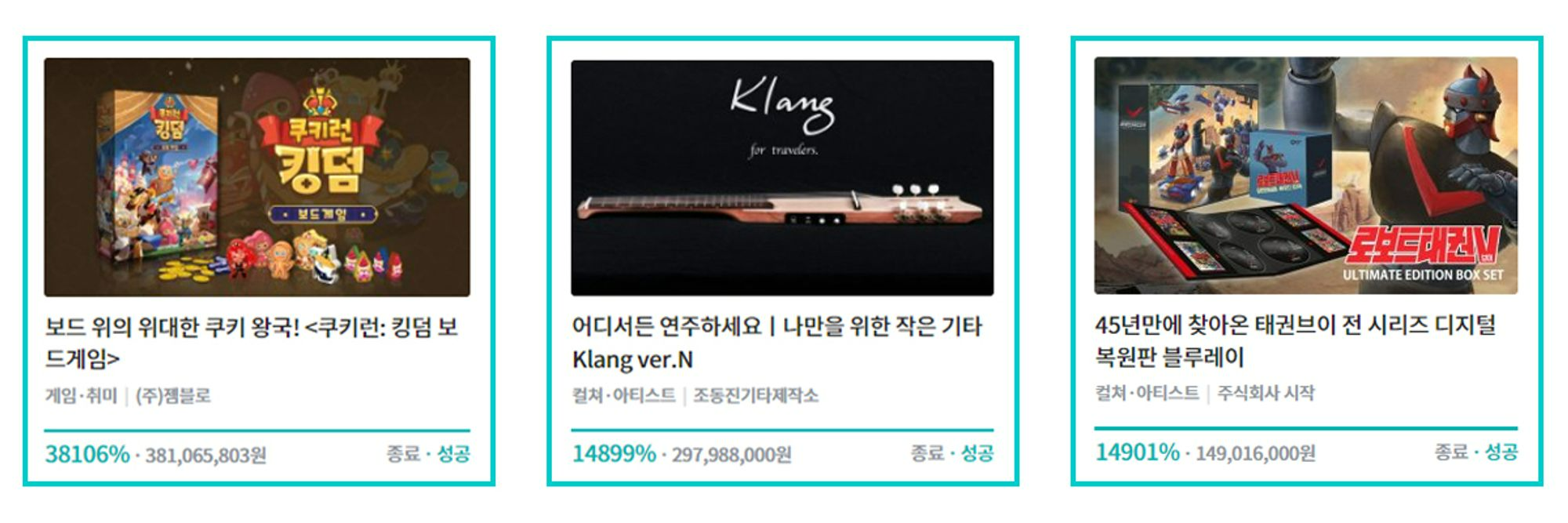
4. Text Insertion- In the representative image of projects introducing tangible products, text cannot be used.
- Regardless of the content, length, or font size of the text, the principle is not to use text within the representative image.
- If you use a representative image containing text, the manager may change it to comply with Wadiz's representative image guidelines.
- For intangible rewards such as classes, e-books, and software, text use in the representative image is exceptionally allowed.
5. Logo & Emblem Insertion
- Brand logos can be used in the representative image.
- It is best to select a single photo of the reward that looks good. Unless absolutely necessary, choose an image without a logo.
- It is not possible to insert a logo 'only' in the representative image. Use it together with a product photo that shows what the product looks like.
- Certification marks other than the official Wadiz emblem cannot be used in the representative image.