Funding & Pre-order
Can I add text to the representative image?
Text may exceptionally be inserted into the representative image for intangible projects.
For all other categories, please register according to the ▶Representative Image Required Guide.
[Table of Contents]
1. Preparing a Representative Image Without Text
Follows the <Representative Image> Common Category Guide (Go) that applies to all categories with priority.
- In principle, text cannot be added to the representative image even for lecture·class, e-book, and sponsorship projects.
- A representative image with text inserted may not properly showcase your project when shared through various channels. This is because the ratio at which the representative image is displayed varies depending on the channel and SNS it is shared to.
- If the text in the image is cropped during display, it may actually hurt the first impression of your project.
Browse various representative image examples for lecture·class and e-book projects.
- Maker-focused

- Illustration-style

- Lecture·Class·E-book Preview Style

Browse various representative image examples for sponsorship projects.
- Reward-focused
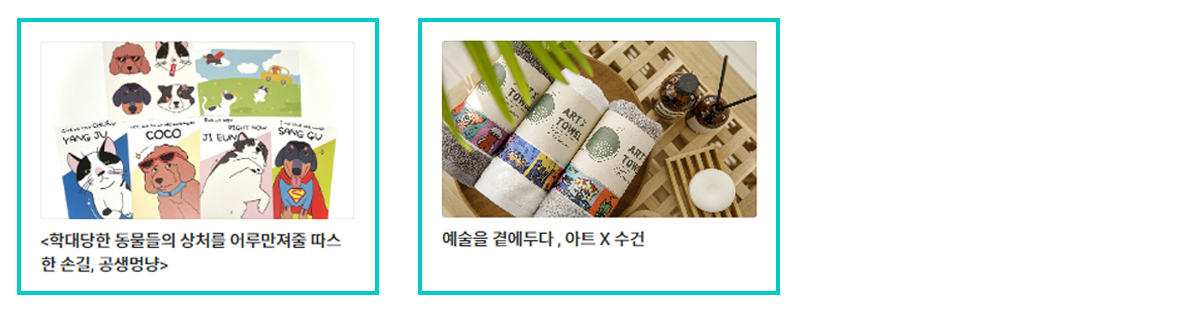
- Motivation or Purpose-focused
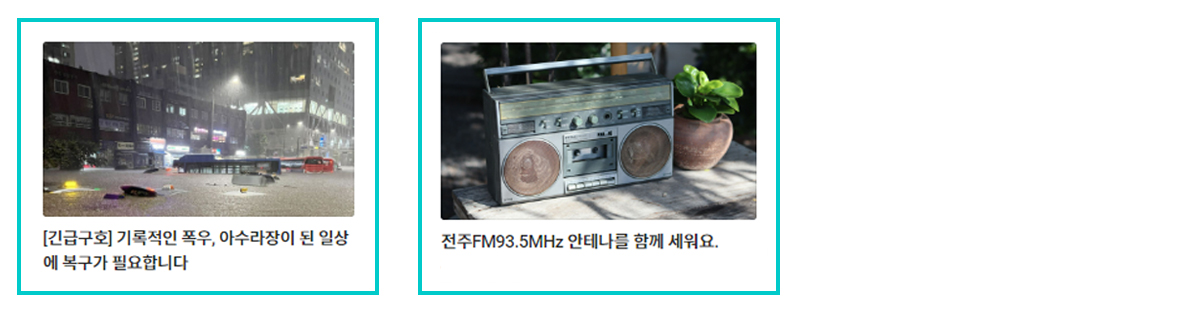
2. Using Text in the Representative Image
For lecture·class, e-book, and sponsorship projects, you may add text to the representative image if confirmed by the person in charge.
- Unlike other projects that provide products or services, there is no physical form of reward, and it is difficult to present the use of the reward as a representative image, so this is exceptionally permitted.
- However, only images that comply with all the rules specified in the guide may be registered.
If even one rule is violated, text-included representative images cannot be used even for lecture·class, e-book, or sponsorship projects.
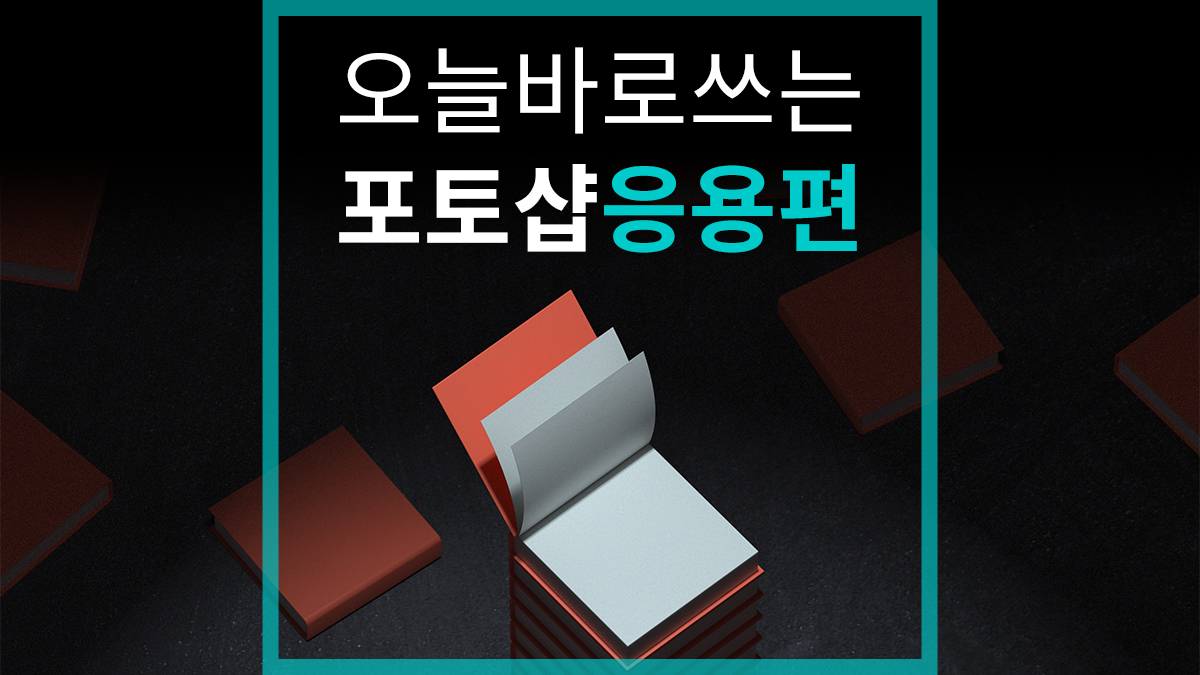 | 1) Text Guide
|
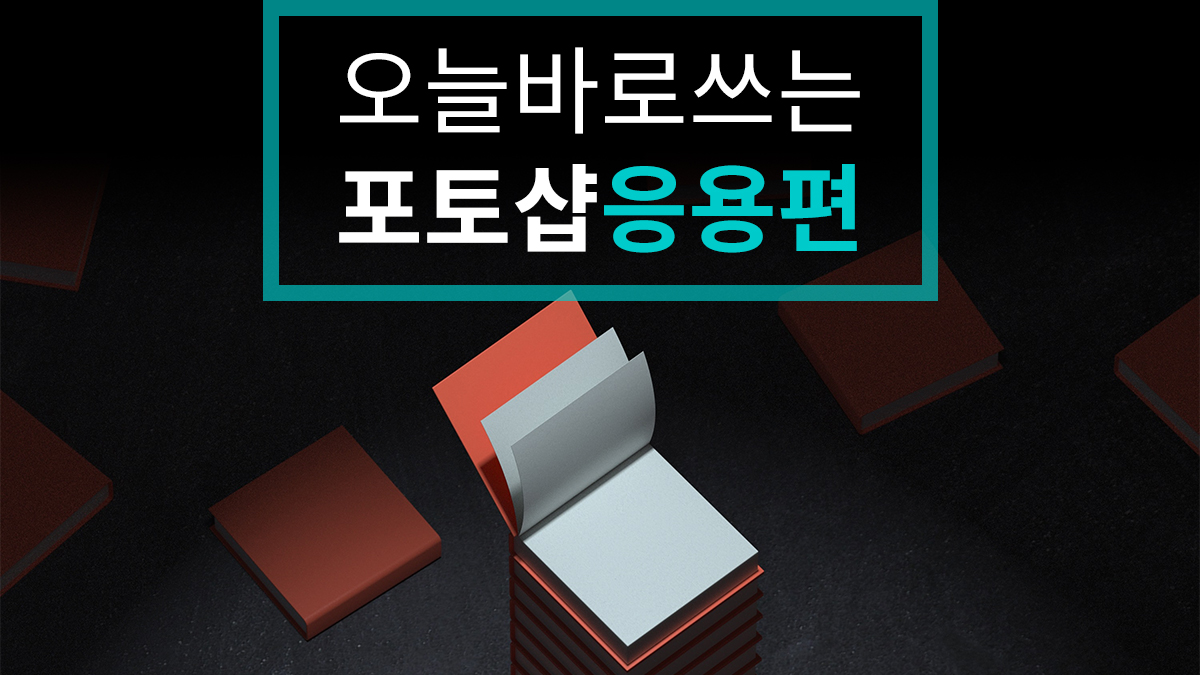 | 2) Text Content
|
| (Note) The example images above were created in Photoshop under the following conditions. - Width 1200px, Height 675px, Resolution 72px - Font size 96pt, Line spacing 118pt - Font color #00cbcb #ffffff | |