[Project Promotion Tips] #3. How to Use "News" to Captivate Your Supporters
This content is part of the
<PROJECT Promotion Tips>
series.
Be sure to take this with you!
- We’ll explain why News is valuable and what role it plays.
- You can send notifications to supporters via email and app push notifications.
- Discover tips for writing News updates, including strategies for targeting the times when supporters are most active.
1. One well-written News post is worth more than ten promotional posts
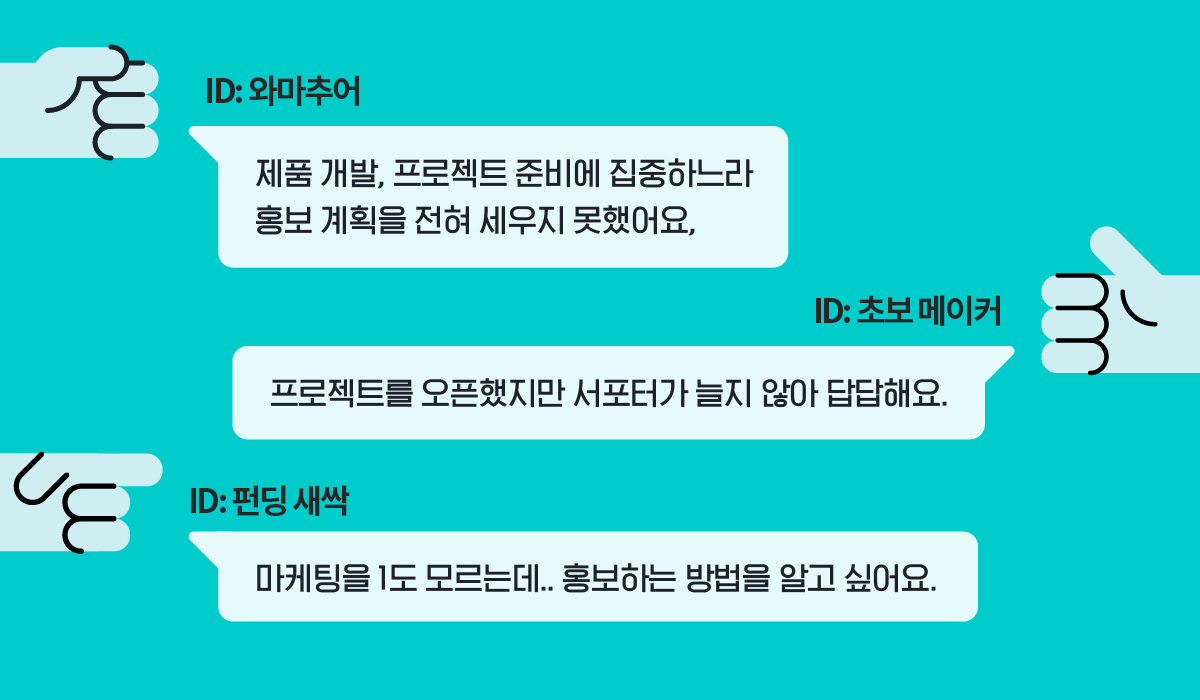
If you’re a maker who’s ever had this concern, please pay close attention to the “News” tab.
“News” is a tab that becomes active once your project that is launching soon is announced, and serves as a communication channel where you can post freely without any limits on frequency or format. Through “News,” you can not only share updates on events, launch announcements, deadlines, and shipping schedules but also use it as a way to build trust with your supporters.
1. Communication & Trust
In today’s world, even large corporations that have carefully cultivated their brand image cannot avoid public disapproval and rejection if they ignore consumer feedback and adopt an uncommunicative attitude. In crowdfunding—where unique, never-before-seen products are introduced and produced through supporter backing—communication and trust are more important than on any other platform.
Supporters build a sense of closeness and trustthrough the maker’s communication. When they see a maker who is active with News and comments , they feel reassured that “if there’s ever a problem with the Rewards, we’ll be able to communicate smoothly,” which encourages them to participate more actively.
2. Notifications & Promotion
You can re-engage supporters who have forgotten about your project with News updates. When you post a News update, via email and app push notificationsare sent to supporters who have joined the project.
You can freely post updates as often as you like and in any format by selecting specific supporter types—such as all supporters, those who have participated, favorited the project, subscribed to notifications, or made a pledge of support.

3. Sharing Information & Building Anticipation
As you launch your project and monitor supporter reactions, there will be times when you want to edit or supplement the information in your Story. In these cases, using News not only allows you to provide missing information but also reduces repetitive inquiries and responses, saving supporters time and encouraging them to participate in your project.
OneNews postcan be featured at the top of your Story. Be sure to check the box in the upper right corner of the title!
- After your project goes live, you won’t be able to pin News created during the launching soon period to the top. Be sure to pin any new News you create during the project period.
- Only one News post can be pinned to the top of the Story at a time.
2. Tips for Writing News Updates That Supporters Love
1. Post once every 2–3 days
News posted no more than 1–2 times a week. Please remember that too many notifications can overwhelm your supporters and may backfire by being mistaken for “spam.”
Rather than sharing similar updates every day, it’s better for both readers and writers to share well-organized, fresh updates on a regular basis.
2. Peak hours: 11:00 AM – 5:00 PM
Try targeting the time slots for supporters.
On weekdays, between 2:00 PM and 3:00 PM, weekdays from 2:00 PM to 3:00 PMand when supporters are most active 5:00–7:00 p.m.. Posting News during these times, when supporters are relatively free and more receptive, can help attract a larger audience.
Please avoid late evenings and early mornings. News updates posted between 9:00 PM and 8:00 AM will be sent via email only. Although app push notifications will be sent sequentially after 8:00 AM the next day, the effect on supporter engagement may be reduced.
However, app push notifications for News updates are not sent between 9:00 PM and 8:00 AM the following day. Please avoid uploading News during the early morning or late evening when everyone is asleep.
3. Use a conversational tone that engages your supporters
Like the project story, News is content that showcases you as a maker. Therefore, instead of using one-sided, stiff language, it’s best to write your News as if you’re speaking directly to each and every supporter.
Please write your message with a heartfelt thank-you to your supporters, who are showing interest and cheering for you even though they’ve never actually met you or seen your Rewards.
4. Choose a title that makes people want to click
The title of your News update is the first thing supporters see in the email or app push notification sent after it’s posted. If you use a title that gives no clue as to the content, supporters won’t realize the importance of the update and will simply overlook it.
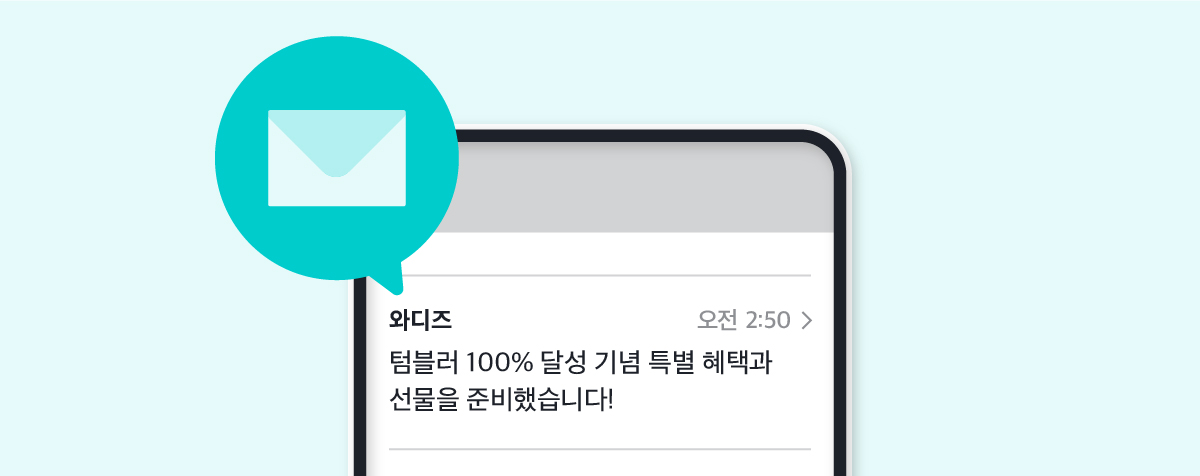
We recommend using titles that spark curiosity, such as that spark curiosity. If you’re running an event, include wording that will attract the interest of more supporters and encourage them to participate.
5. Thorough proofreading before uploading is essential
Unlike the project story, can be edited even after they’ve been posted.
However, supporters are likely to read the News update as soon as they receive their first notification. Even if you correct any errors later, it may be difficult to get the message across. Above all, if the message keeps changing every time they read it, you’ll inevitably lose the trust of your supporters.
Before clicking “Save,” be sure to do a final check of the items below. These may seem like small details, but they can significantly impact the project’s credibility.
- Please check for spelling, spacing, and typos.
- Please make sure you’ve used the correct funding terminology.
- Please avoid using expressions that are restricted by advertising regulations.