[Communication Guide] #1 for Makers: 4 Ways to Communicate Using the wadiz Service
This content is
Part #1 of the
Part #1.
Be sure to take this with you!
- We’ll show you four ways to communicate with wadiz supporters.
- We’ll provide examples of how to communicate effectively in specific situations.
- Flexible communication can help you navigate potential risks that may arise during your project.
I’m curious about how to communicate with supporters
There are four ways to communicate with supporters on wadiz, as listed below.

| First, the Story

First, share your story with supporters through the project story. Instead of just pouring out whatever you want to say, try to include the stories your supporters actually want to hear. Thinking ahead about what readers might be curious about and writing an FAQ section is also a great way to communicate.
| Second, News

There’s a section where you can share details that didn’t fit in the Story, project updates, events, and more with your supporters. You can access it by tapping the “News” tab. Active communication here helps build supporters’ trust in your project. You can also feature the title of your News post at the top of your Story.
When you post a News update, notifications are immediately sent to supporters who have “Liked” the project and those who have backed it. Therefore, it’s best to avoid posting too frequently or late at night. Notifications between 8 p.m. and 8 a.m. can be overwhelming for supporters.
For more detailed instructions on writing News, please refer to this page.
| Third, Community

When you tap the Community tab, you’ll find a space where supporters can leave messages of cheer, comments, and Previewer's reviews for the maker.
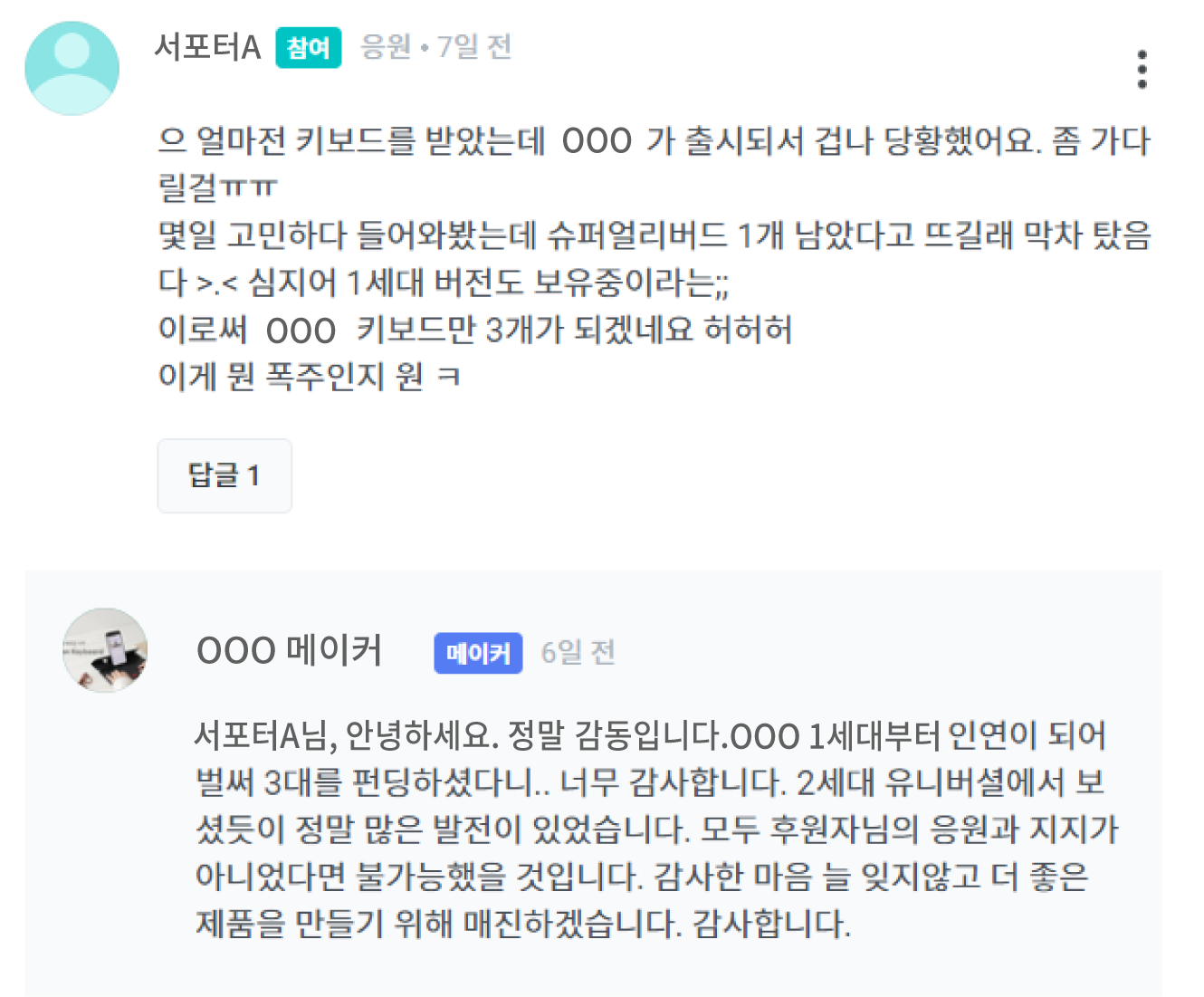 Supporters may read the project story, relate to its purpose, and leave words of cheer, or they may provide feedback based on their experience or suggest improvements. For words of cheer, respond with a warm thank-you, and for feedback, humbly acknowledge it and explain how you’ll use it to improve. Thoughtful responses will help build goodwill and trust in both the maker and the project.
Supporters may also ask questions about the product. Since you, the maker, know the Rewards best, be sure to read the questions carefully and respond in a clear and friendly manner. Even if the information is already mentioned in the Story, it’s a good idea to emphasize and explain it again if necessary.
| Fourth, Contact the maker
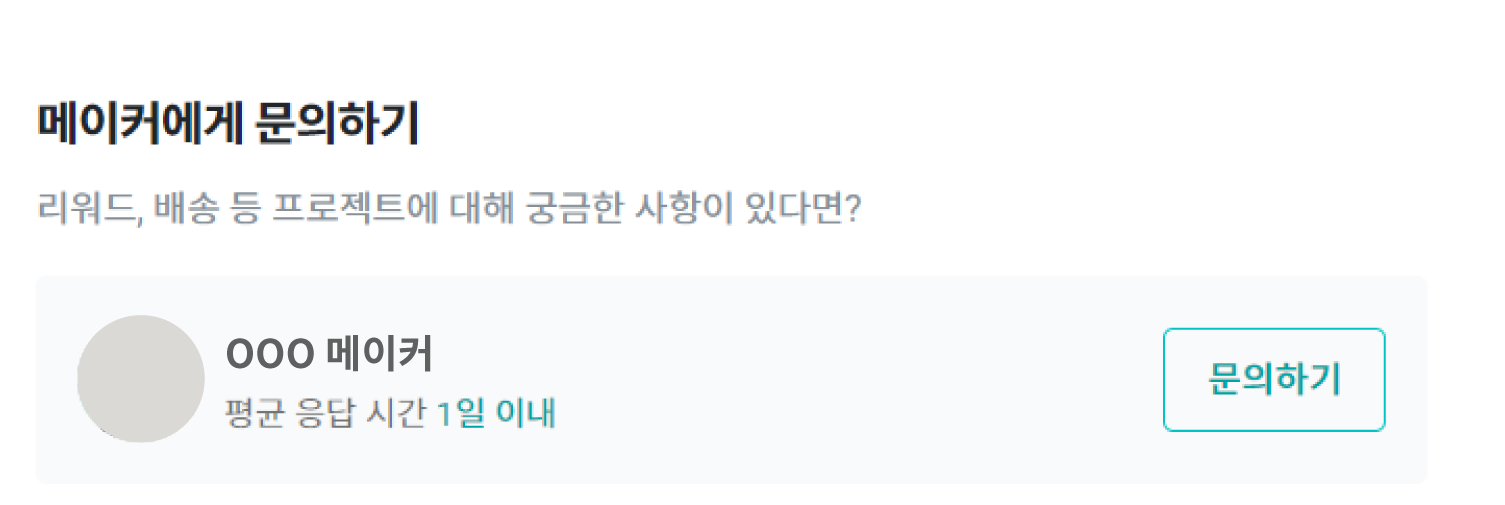
This is a channel where supporters and makers can communicate one-on-one. Communication begins when a supporter sends a message first. Among the inquiries received through the Community mentioned earlier, there may be cases where it’s difficult to provide a public response.
For example,
- Whether you need to exchange personal information (such as project number, name, phone number, or address)
- you may need to provide responses tailored to each supporter’s specific circumstances,
- or when you need to exchange detailed photos.
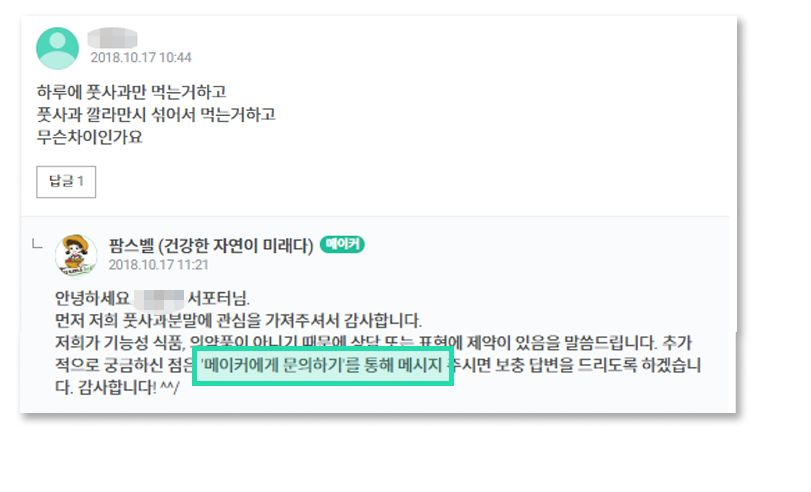
In such cases, it’s best to leave a comment in the Community thread saying something like, “Please send me a message via ‘Contact the Maker.’ I’ll provide a detailed response.”